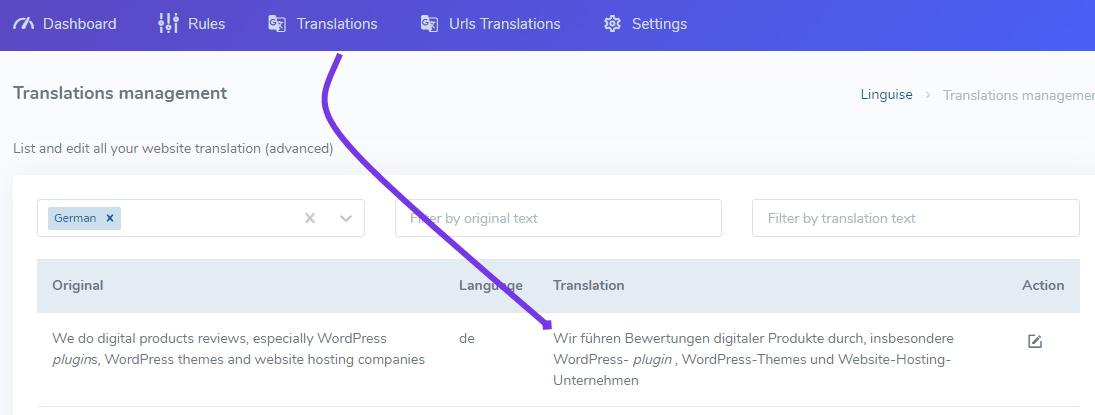
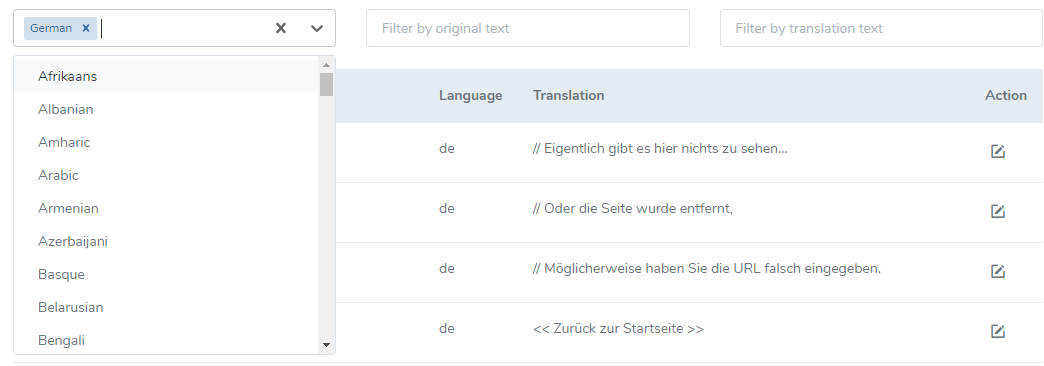
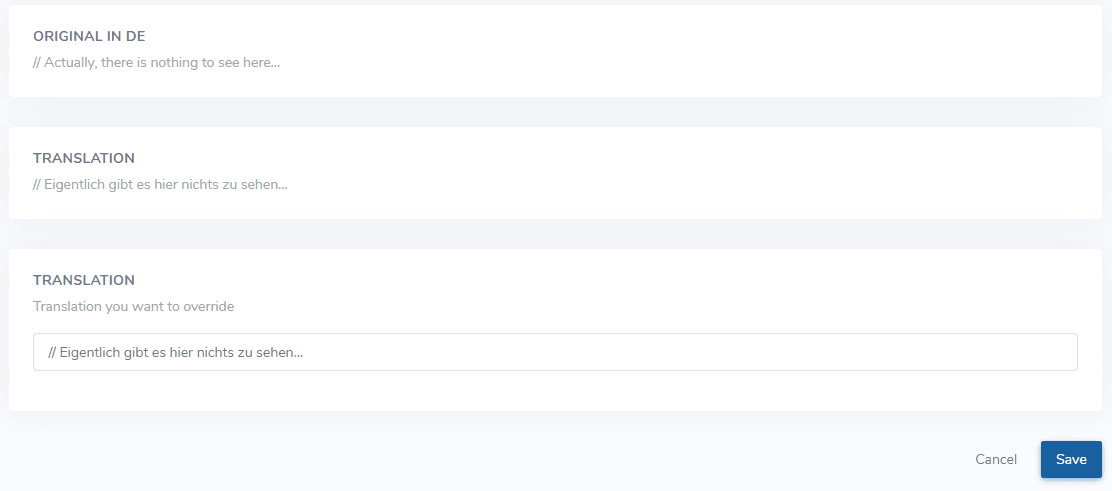
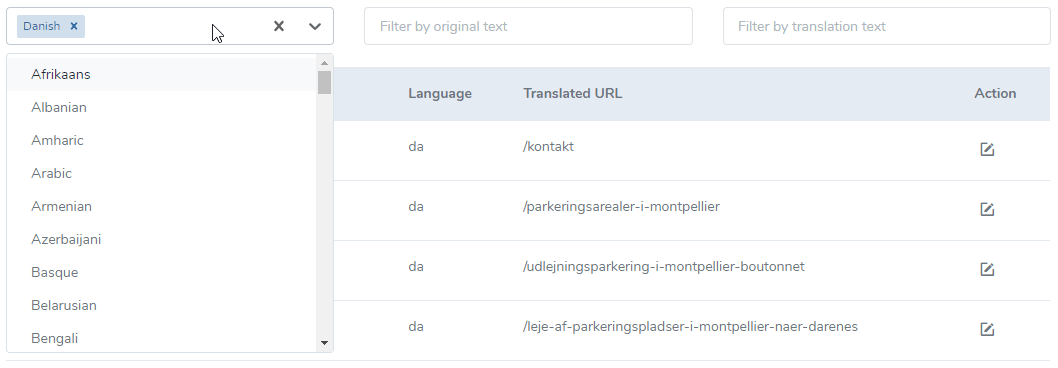
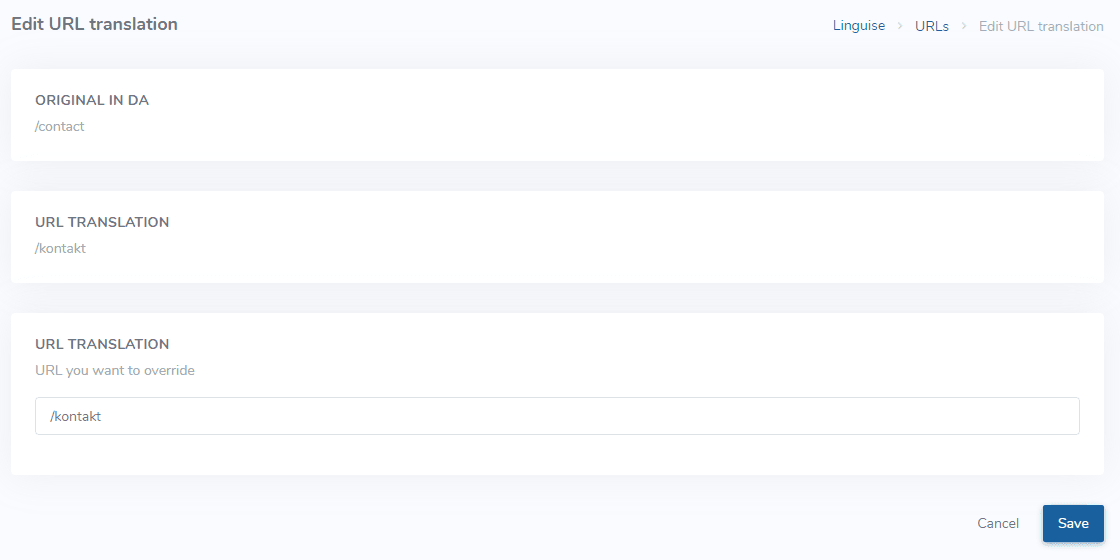
Edit translations and URLs from the Linguise dashboard Table of Contents Edit an existing neural machine translation The text edition of an automatic translation is something usually done by a translator. It needs to be specific, if that's for example a company name you can find in several website pages, you will prefer a replacement rule. If you're looking to replace text using rule, please use this documentation >>https://www.youtube.com/watch?v=YImmaXa-m6UTo add such translation, connect to your Linguise dashboard > click on Translations To find easily your translation you have 3 filters/search fields on top:The language where the translation has been madeThe original text contentThe translated text content The edit button on the right allows existing translation to be updated. In this example: we've search and edit a German translation. Note that if the text in the original language is edited, the translation will no longer be applied Edit URL translations The URL translations are the links to your pages that has been generated during the translation. To find easily your translation you have 3 filters/search fields on top:The language where the translation has been madeThe original URL text contentThe translated URL text content The edit button on the right allows existing URL translation to be updated. URL modification: beware of a configuration that modifies URLs on live website content. It may produce 404 URLs you'll need to redirect REGISTER AND TRANSLATE NOW