

Cantonese (Hong Kong) language support is now available across Linguise integrations, making it easier to translate websites for Hong Kong audiences. With the new Cantonese (Hong Kong), you can add Cantonese alongside other Chinese language variants and provide a more localized multilingual experience.
In this update, we’ll show how to add Cantonese to your multilingual website, which Linguise integrations support, and how Cantonese translations differ from Chinese and Taiwanese. This helps you make sure each language version is translated using the correct locale.
Key points: Linguise now supports Cantonese (Hong Kong) across its integrations
Cantonese (Hong Kong) is now supported
Linguise now supports Cantonese (zh-HK), allowing websites to add a dedicated Cantonese version alongside Chinese and Taiwanese language variants.
Add Cantonese across Linguise integrations
The new Cantonese option is available across supported Linguise integrations, making it easier to add the language to your existing multilingual website setup.
Create a more localized Hong Kong experience
Using a dedicated Cantonese option helps keep language variants separate and provides Hong Kong visitors with a more relevant and localized website experience.
Cantonese (Hong Kong) is now supported across Linguise integrations

Cantonese (Hong Kong) is now officially supported in Linguise as a dedicated language option with the zh-HK locale. This update allows you to offer a Cantonese version of your website while keeping it separate from other Chinese language variants, making it easier to provide a more localized experience for visitors in Hong Kong.
The new Cantonese support is available across all major Linguise integrations, including WordPress, Joomla, PHP, and Dashboard JS. This means you can add Cantonese to your website regardless of which Linguise integration you use. You can add the language option alongside other supported languages, allowing visitors to access a Cantonese version of your website.
How to add Cantonese to your multilingual website

Adding Cantonese to your multilingual website is straightforward with Linguise. For example, we’ll add Cantonese to a multilingual WordPress website.
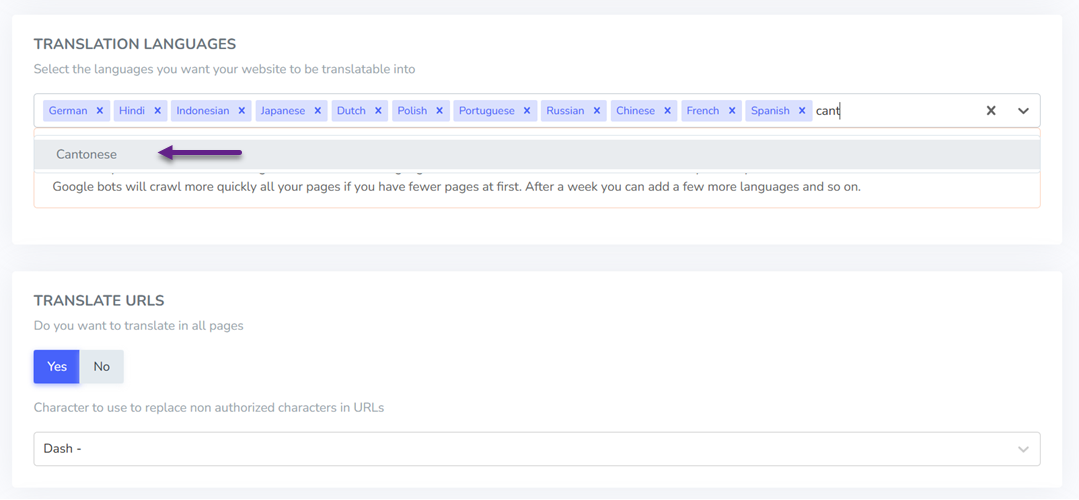
First, make sure that the Linguise plugin on your WordPress website is updated to the latest version so you can access the latest language support. Next, go to your Linguise dashboard and open Settings > Translation Languages. Search for Cantonese (Hong Kong) and add it to your translation language list.
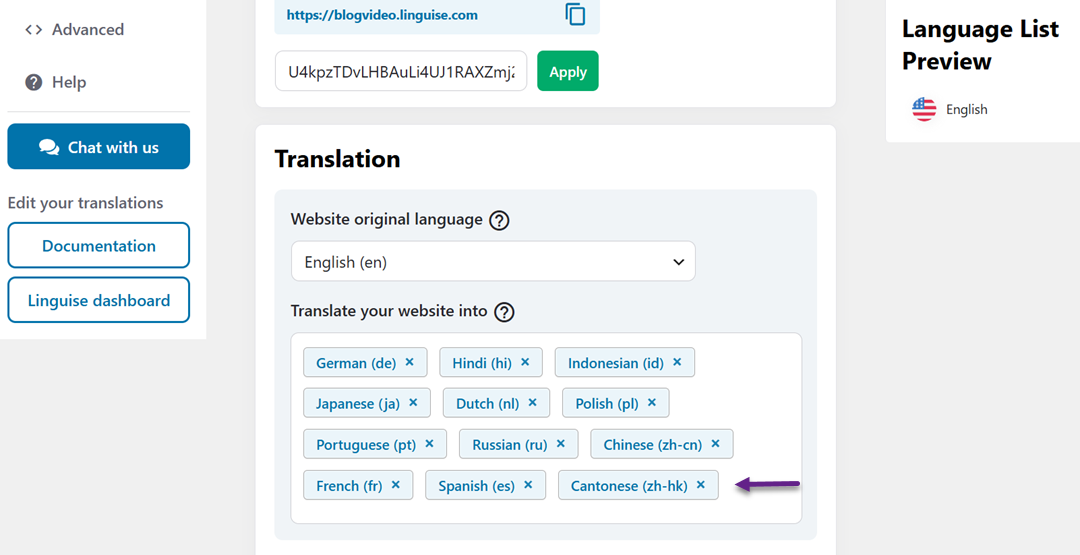
You also need to add Cantonese from your website’s Linguise settings. For example, if you’re using WordPress, go to Linguise > Main Settings > Translate your website into, then add Cantonese to the list. This also ensures Cantonese is enabled in your website’s language settings.
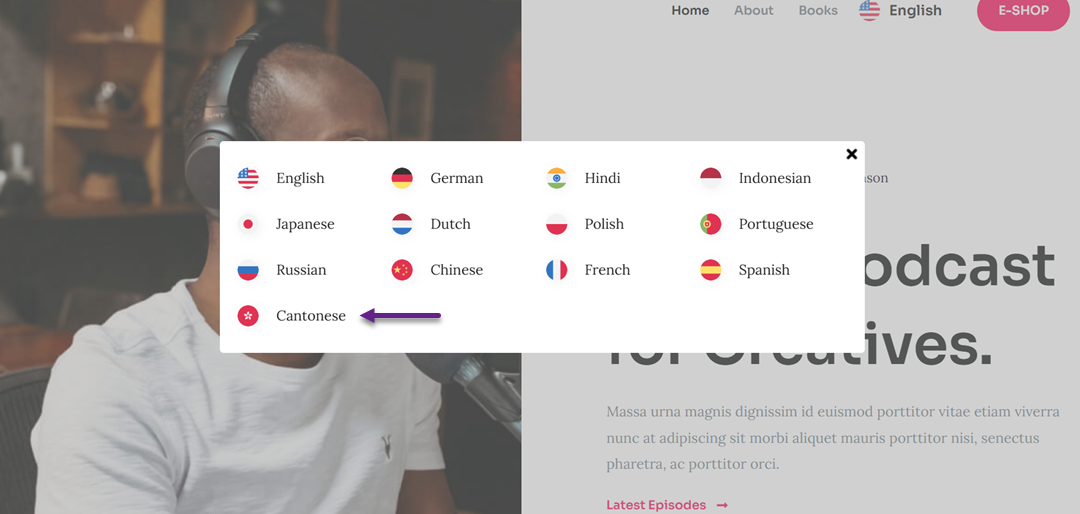
Once Cantonese has been added in both places, you can select it from your website’s language switcher to view the translated version of your pages.
Check the result to make sure the content is translated correctly into Cantonese. You can also compare the Cantonese version with the Chinese and Taiwanese versions to confirm each language uses the appropriate translation and locale.
The same Cantonese support is available across Linguise integrations, including WordPress, Joomla, PHP, and Dashboard JS, so you can enable zh-HK while keeping your existing multilingual setup.
Cantonese vs. Chinese and Taiwanese translations

Although Cantonese, Chinese, and Taiwanese use Chinese characters, they can have differences in vocabulary and writing conventions. For multilingual websites, using the right language variant helps ensure content matches the target audience.
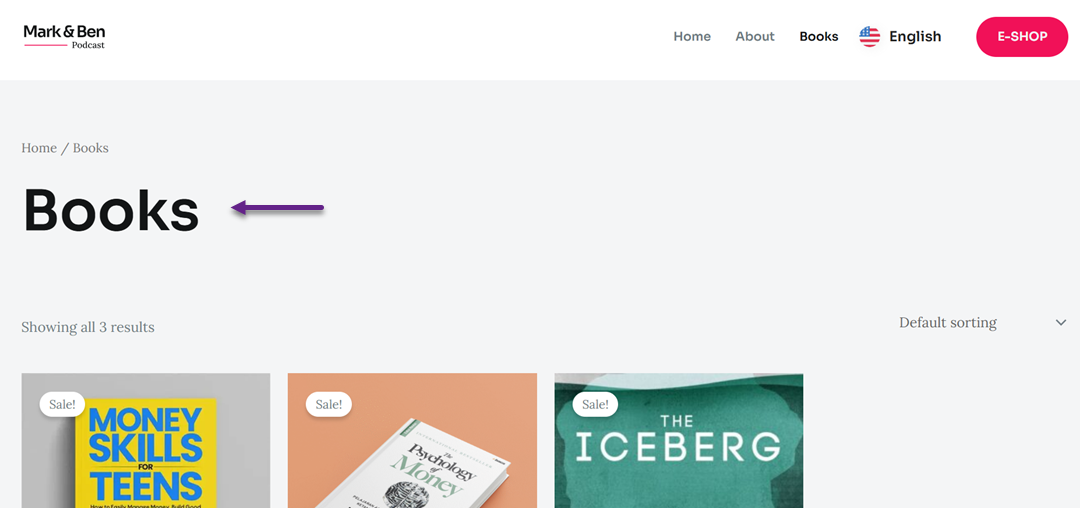
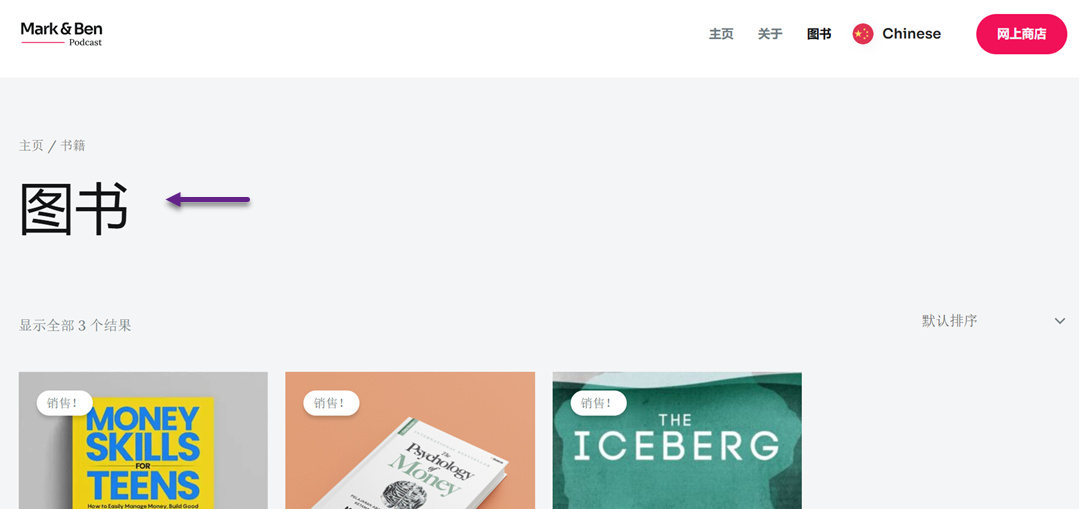
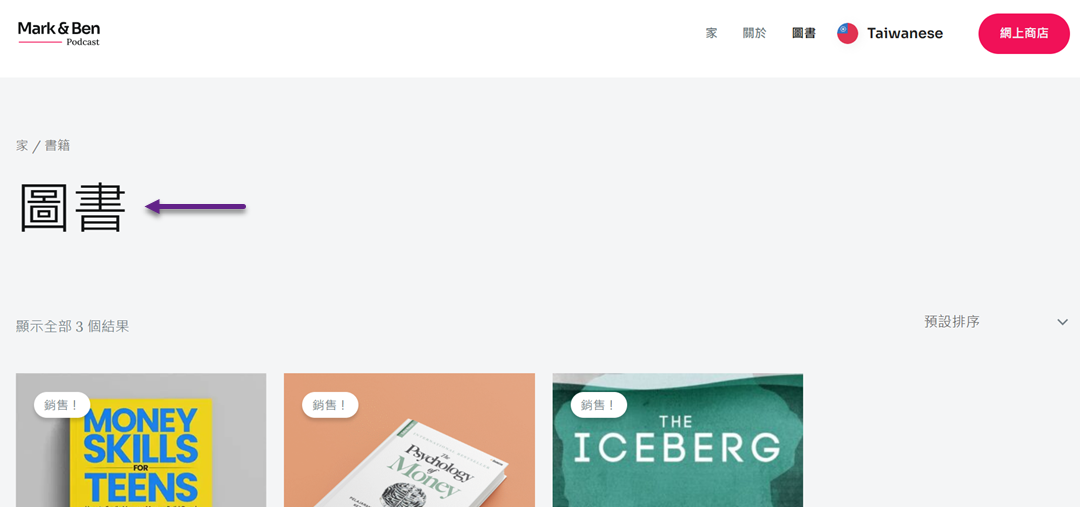
To verify the new Cantonese support in Linguise, translate the same content into Chinese, Taiwanese, and Cantonese, then compare the results. For example, we translated the word “books” into each language to see how the results differ.
For the Chinese translation, Linguise translates “book” as “图书”. This version uses Simplified Chinese characters and represents the Chinese language variant available in the translation settings.
For the Taiwanese translation, Linguise translates “book” as “圖書”. The characters are written in Traditional Chinese, making the result visually different from the Simplified Chinese version.
For the Cantonese translation, Linguise translates “book” as “書”. The result differs from both the Chinese and Taiwanese versions, showing that Linguise treats Cantonese (Hong Kong) as a separate language variant with its own translation output.
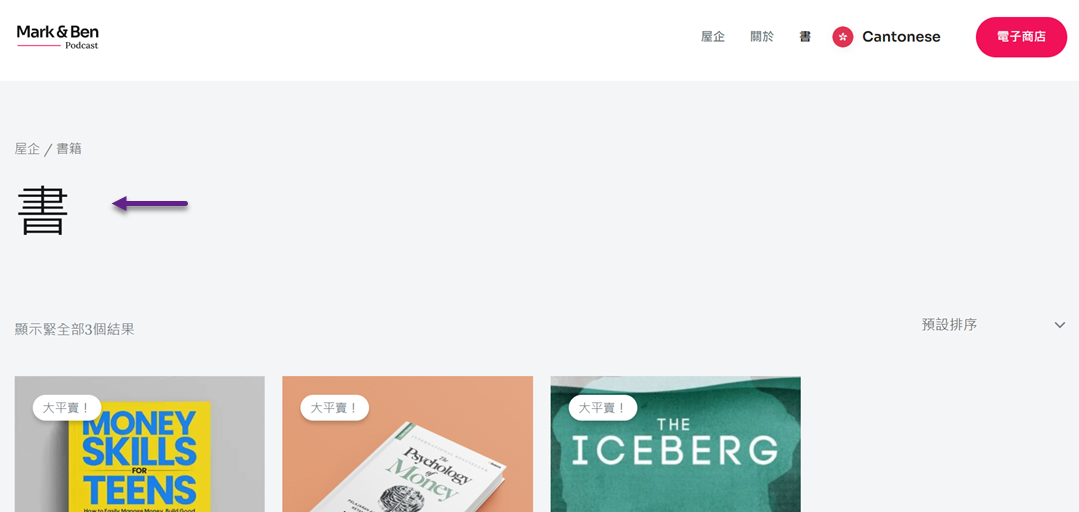
These examples show that Linguise distinguishes Cantonese (Hong Kong) from the other Chinese language variants rather than treating them as the same translation. You can use the same approach when testing other content on your website by translating the same page into each language and comparing the results.
Konklusion
Cantonese (Hong Kong) language support is now available across Linguise integrations, giving you a dedicated zh-HK option for creating a more localized website experience. You can add Cantonese alongside Chinese and Taiwanese while keeping each language variant separate and properly localized for its target audience.
To start using the new Cantonese support, update your Linguise integration to the latest version, then add Cantonese in your translation settings to start offering a more localized multilingual experience to your Hong Kong visitors.