

Using the right free tools to audit your multilingual website’s SEO health can help you find technical SEO issues before they affect your rankings and user experience. Multilingual websites have additional elements to check, such as indexing, crawling, hreflang tags, page speed, structured data, and translation coverage. Without regular checks, a page may be indexed incorrectly, show the wrong language to users, or miss important translated content.
The good news is that you don’t always need expensive SEO software to monitor these areas. In this article, we’ll explore free tools that can help you check different parts of your multilingual website, from search engine indexing and hreflang implementation to page speed, structured data, and translation coverage.
Key points: Free SEO tools for audit your multilingual website
Audit multilingual SEO with free tools
Use free SEO tools to check indexing, crawling, hreflang implementation, page speed, structured data, and translation coverage across multilingual pages.
Compare original and translated pages
Testing both original and translated URLs helps identify language-specific issues, including broken links, incorrect hreflang tags, indexing problems, slow-loading pages, and structured data errors.
Monitor technical SEO regularly
Regular multilingual SEO audits help you detect technical issues early and maintain accessible, well-connected, and search-friendly translated pages without relying on expensive SEO software.
Free tools for indexing and crawling

Google Search Console
Google Search Console helps you monitor how your website appears in Google Search and identify indexing issues. You can use the URL Inspection tool to check whether a specific language version is indexed, see when Google last crawled it, and identify issues that may prevent the page from appearing in search results. The Sitemaps report also lets you submit and monitor your XML sitemap, which is useful when your website contains many translated URLs.
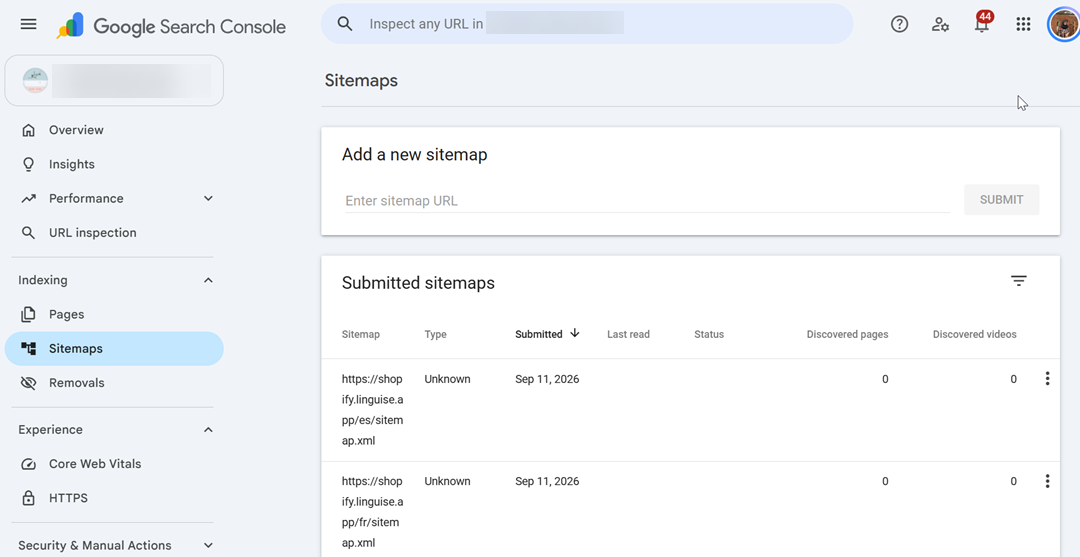
For multilingual websites, one blind spot is that Search Console does not evaluate the quality or accuracy of your translations. It can show that a translated URL is indexed, but it cannot tell you whether the content uses the correct terminology or is properly localized. If your website generates translated URLs and includes them in your sitemap, Search Console can help verify whether Google can discover and index those URLs.
What to check first: Open URL Inspection and enter one translated URL, such as a /fr/ or /de/ version of an existing page. Check whether it is indexed, when it was last crawled, and whether Google has reported any indexing issues.
Screaming Frog SEO Spider
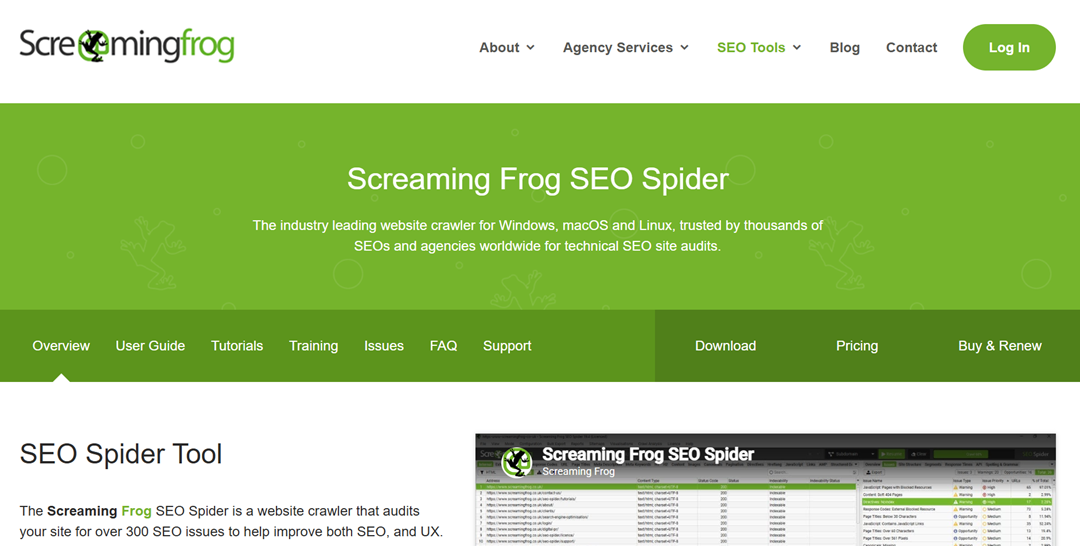
Screaming Frog SEO Spider is a website crawler that scans your pages and collects technical SEO information, including URLs, status codes, canonical tags, meta descriptions, headings, and internal links. Its free version can crawl up to 500 URLs per website, making it useful for running a small technical audit without a paid subscription. You can use the crawl results to find broken translated URLs, redirect issues, duplicate pages, and other accessibility problems.
For multilingual websites, the main blind spot is the 500-URL limit in the free version. A multilingual website can reach this limit quickly because every original page may have several translated versions. The tool can also identify technical differences between language URLs, but it cannot determine whether the translated content is accurate or natural.
What to check first: Crawl a small section of your website and filter the results by response codes. Look for 4xx or 5xx errors, unexpected redirects, and translated URLs that do not return a successful 200 status.
Bing Webmaster Tools
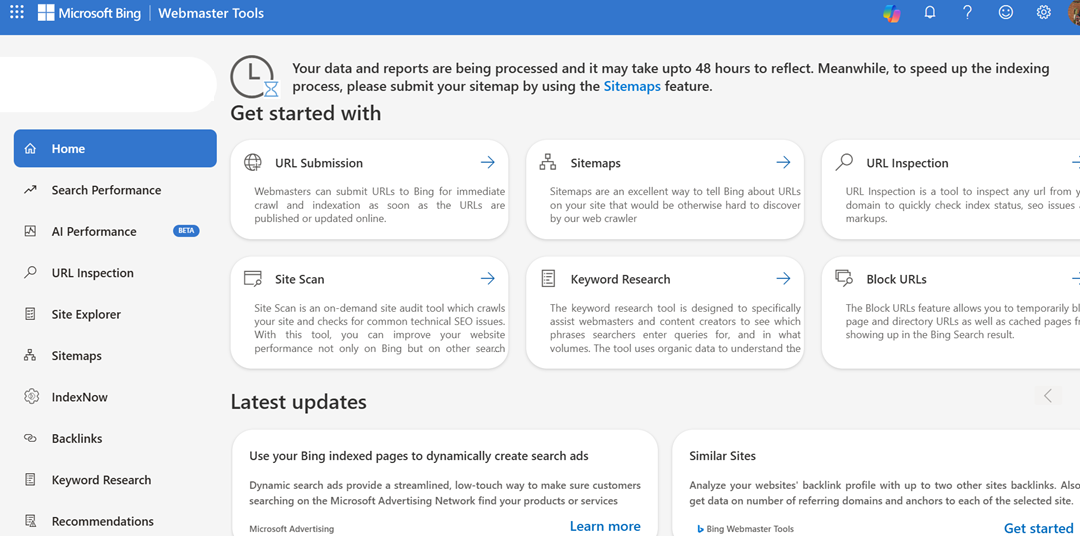
Bing Webmaster Tools provides SEO and search performance data for websites appearing in Bing. It includes tools for monitoring indexing, submitting sitemaps, inspecting URLs, and identifying technical issues that could affect how Bing crawls your website. The URL Inspection feature is useful for checking whether an individual translated page can be discovered and indexed by Bing.
For multilingual websites, its main blind spot is that it focuses on Bing and therefore does not provide a complete picture of how other search engines handle your language versions. It can confirm whether a translated URL is accessible and eligible for indexing, but it cannot evaluate translation quality or determine whether the translated content is properly localized.
What to check first: Use URL Inspection to test one translated page and review its indexing status. Then check your sitemap to make sure your translated URLs are included and that Bing can access it successfully.
Run these three first
If you do not have much time, start with these three checks:
- Google Search Console — Check whether your translated URLs are indexed by Google.
- Screaming Frog SEO Spider — Crawl your translated URLs to find broken pages, redirects, and other technical issues.
- Bing Webmaster Tools — Check whether Bing can access your translated URLs and sitemap.
Together, these tools give you a quick overview of whether your multilingual pages can be discovered, crawled, and indexed before you move on to hreflang, page speed, structured data, and translation coverage checks.
Free tools for hreflang validation

Hreflang tags tell search engines which language and regional version of a page should be shown to users. These tools help you check whether your hreflang implementation is present, correctly formatted, and connected to the right language versions.
TechnicalSEO.com Hreflang Testing Tool
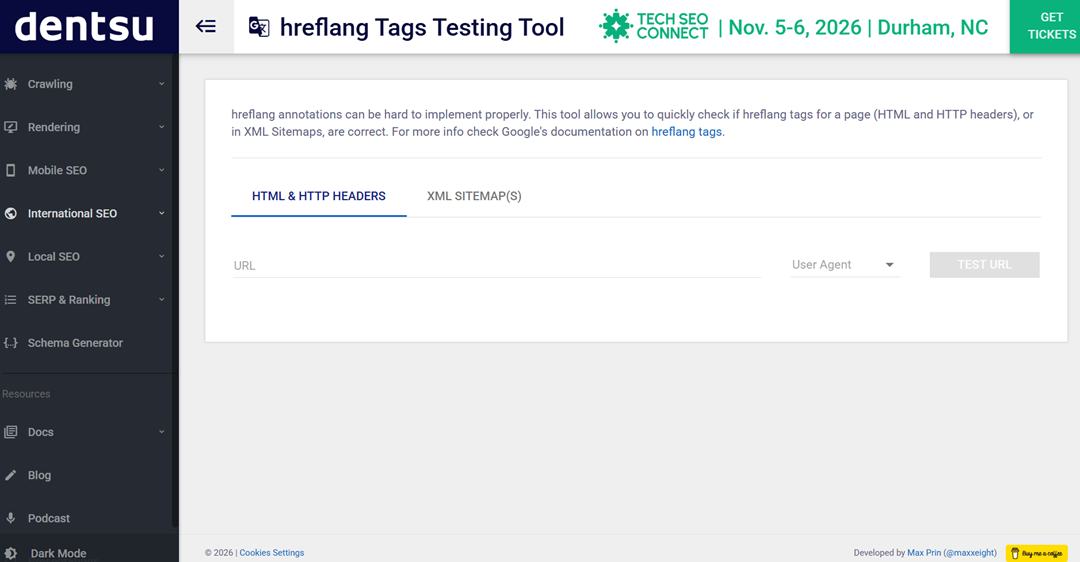
TechnicalSEO.com’s Hreflang Testing Tool helps check the hreflang implementation of a webpage and identify issues with language and regional annotations. It can help verify whether alternate language URLs are correctly declared and connected to the appropriate versions of a page.
For multilingual websites, its main blind spot is that it focuses on the technical hreflang implementation rather than the quality of your translations or broader localization. You still need to review whether each language URL contains the right content and targets the intended audience.
What to check first: Enter a multilingual page URL and review the detected hreflang annotations, language codes, and alternate URLs. Make sure each URL points to the correct corresponding language version.
Hreflang.org
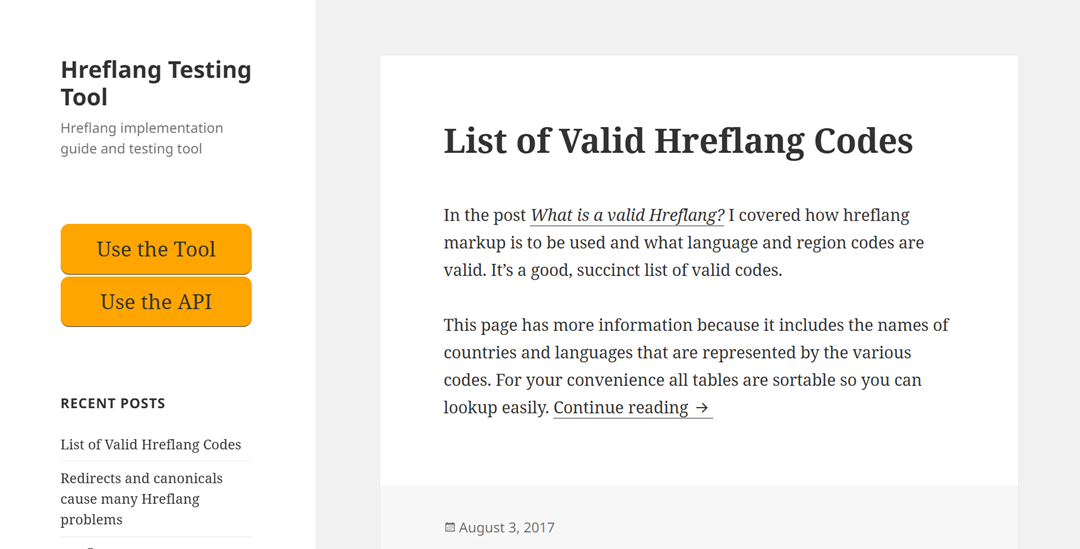
Hreflang.org provides tools for checking and validating hreflang implementations across multilingual pages. It can help identify problems with language or region codes, missing alternate URLs, and inconsistencies between your language versions.
The tool focuses on the technical setup, so it cannot tell you whether the translations themselves are accurate or whether each language version provides enough localized content.
What to check first: Test a page with several language versions and look for missing or incorrectly configured hreflang relationships.
Sitechecker Hreflang Checker
Sitechecker’s Hreflang Checker helps analyze hreflang tags and identify technical problems in how multilingual pages are connected. It can flag issues such as missing hreflang attributes, invalid language or region codes, and incorrect URL references.
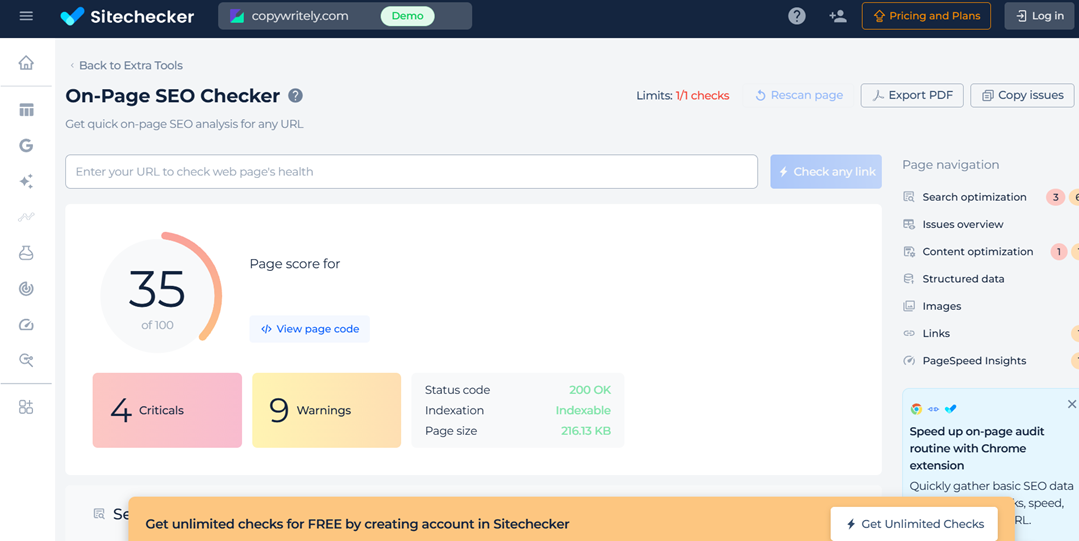
For multilingual websites, its blind spot is similar to other hreflang validators, it can check whether the technical signals are present, but it cannot assess translation quality or whether the localized content matches the target audience.
What to check first: Enter a translated page URL and verify that its hreflang tags point to the correct original and translated versions of the page.
Run these three first
If you want to quickly validate your multilingual setup, start with these three hreflang checks:
- Merkle Hreflang Tags Testing Tool — Check whether your hreflang tags and language codes are correctly implemented.
- Hreflang.org — Look for missing or inconsistent hreflang relationships between language versions.
- Sitechecker Hreflang Checker — Verify that your hreflang URLs point to the correct corresponding pages.
Using more than one checker can help you catch issues that may not be obvious from a single validation tool.
Free tools for multilingual page speed

Google PageSpeed Insights
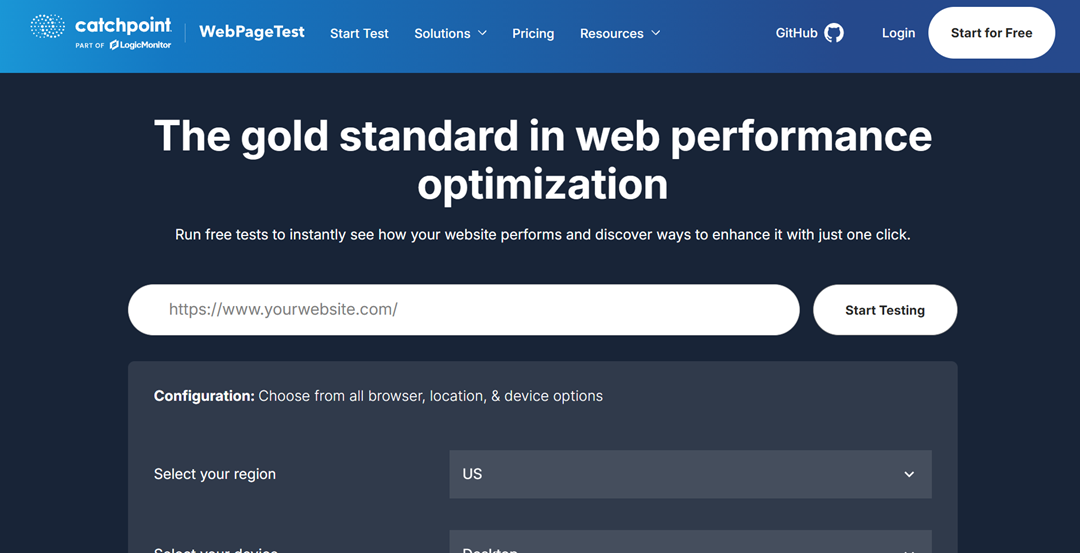
Google PageSpeed Insights analyzes the performance of a webpage on mobile and desktop devices. It provides Core Web Vitals and other performance metrics, along with recommendations for improving loading speed, such as optimizing images, reducing unused code, and improving server response times.
For multilingual websites, its main blind spot is that it tests one URL at a time, so it does not automatically compare all language versions. Translated pages can also have different content lengths, layouts, or resource requirements. Test several language versions separately to see whether their performance remains similar to the original page.
What to check first: Test your main page and one translated URL in PageSpeed Insights, then compare their performance scores and Core Web Vitals.
WebPageTest
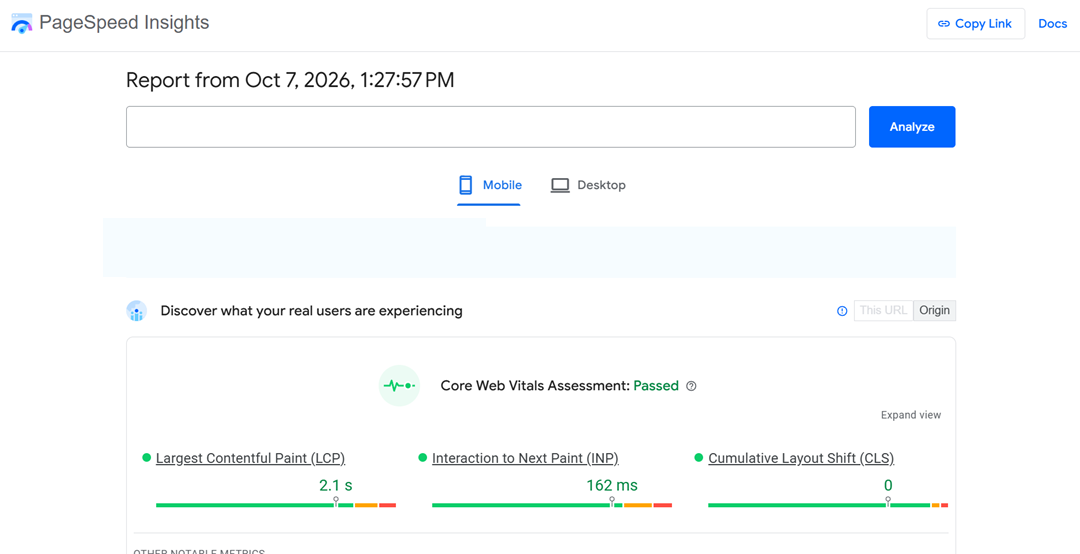
WebPageTest lets you test page performance from different locations, browsers, and connection speeds. This can be useful for multilingual websites because visitors in different countries may experience different loading times depending on where your website is hosted and how resources are delivered.
Its main blind spot is that you need to test language versions individually, so it does not provide a complete multilingual performance report automatically. It also focuses on technical performance rather than evaluating whether translated content is well localized.
What to check first: Run a translated URL from a location close to one of your target audiences and review its loading time, largest contentful paint, and resource requests.
GTmetrix
GTmetrix analyzes page performance and provides details about loading times, page size, requests, and potential performance improvements. It can help you identify resources that make a multilingual page slower, including large images, scripts, and other files loaded by the page.
For multilingual websites, its main blind spot is that it does not automatically evaluate every language version of your site. You need to test individual translated URLs to compare their performance.
What to check first: Enter one translated URL into GTmetrix and review the largest resources and requests contributing to its loading time.
Run these three first
If you have limited time, start with these three checks:
- Google PageSpeed Insights — Compare your original and translated URLs using Core Web Vitals.
- WebPageTest — Test a translated page from a location where your target audience is based.
- GTmetrix — Find large resources and requests that may be slowing down your translated pages.
These checks can quickly show whether your multilingual pages provide a similar loading experience across different language versions and target locations.
Free tools for structured data

Structured data helps search engines understand what your pages contain and can make eligible pages appear with enhanced search results. For multilingual websites, checking structured data across language versions can help ensure that translated pages use valid markup and point to the right content.
Google Rich Results Test
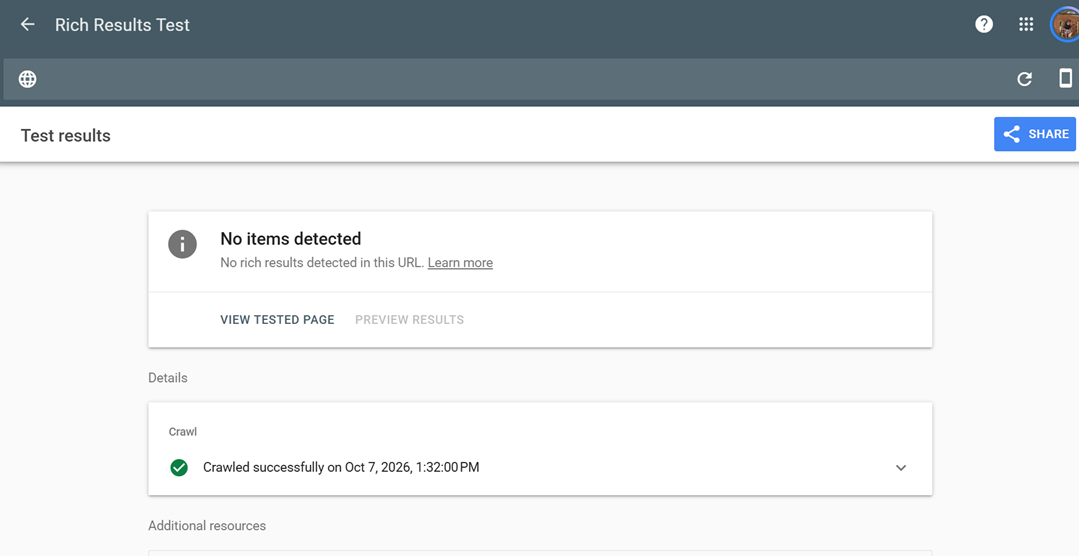
Google Rich Results Test checks whether a page’s structured data is eligible for rich results in Google /Search. It can detect supported structured data types and show errors or warnings that may prevent eligible results from being displayed.
For multilingual websites, its main blind spot is that it does not check whether the translated content or structured data is properly localized. You also need to test individual language URLs and make sure values such as page names, descriptions, and URLs correspond to the correct language version.
What to check first: Test one original URL and one translated URL, then compare the detected structured data and any errors or warnings.
Schema Markup Validator
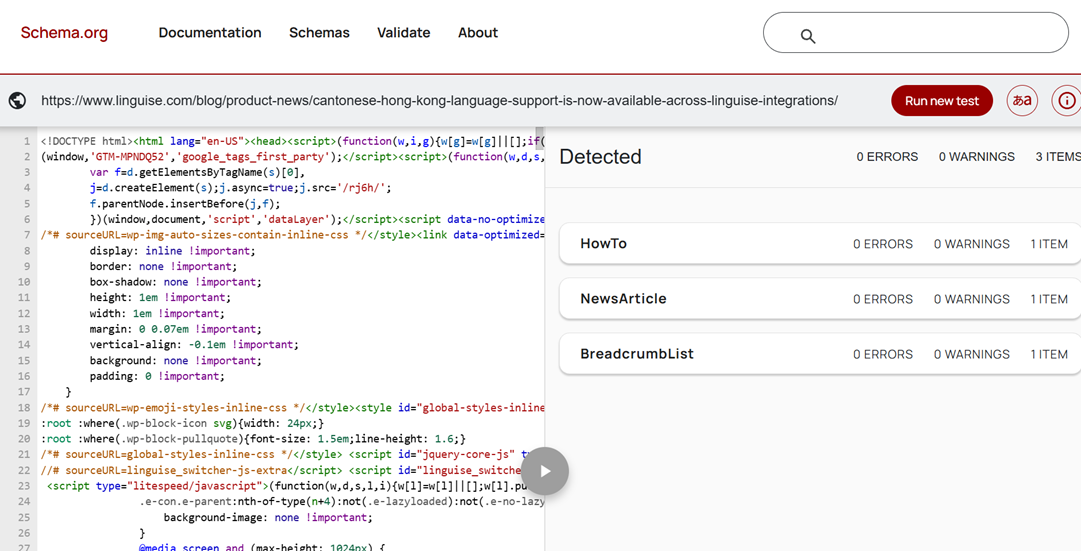
Schema Markup Validator checks Schema.org structured data on a webpage and helps identify markup errors or implementation issues. Unlike the Rich Results Test, it is not limited to structured data types supported by Google Search and can validate a broader range of Schema.org vocabulary.
For multilingual websites, its main blind spot is that it validates the markup rather than evaluating the quality or localization of the translated content. It also does not automatically compare structured data across all language versions.
What to check first: Enter a translated URL and verify that the expected Schema.org types and properties are detected without validation errors.
Google Search Console URL Inspection
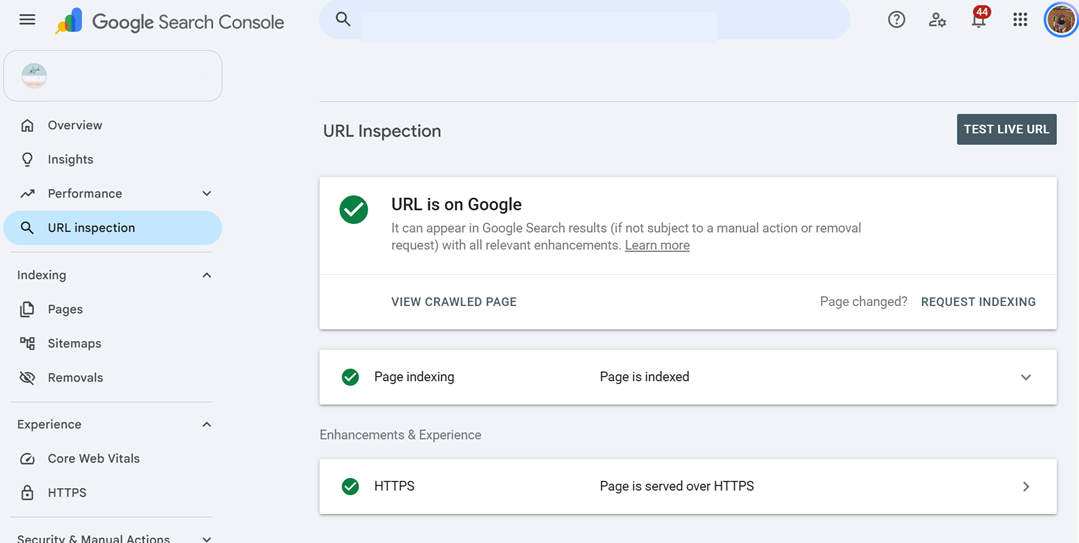
Google Search Console’s URL Inspection tool helps you understand how Google accesses, crawls, and indexes a specific webpage. For multilingual websites, it can be useful for checking whether individual translated URLs are accessible to Google and whether indexing issues could affect their visibility in search results.
Its main blind spot is that URL Inspection is not a dedicated structured data validator. It should therefore be used alongside the Rich Results Test or Schema Markup Validator when checking structured data. It also requires you to inspect language versions individually rather than providing a single report for all translated URLs.
What to check first: Enter a translated URL and review its indexing status, crawl information, and any issues reported by Google. Compare the result with the corresponding original URL.
Run these three first
If you want to quickly check structured data across your multilingual pages, start with:
- Google Rich Results Test — Check whether your structured data is eligible for Google’s rich results.
- Schema Markup Validator — Validate your Schema.org markup and identify implementation issues.
- Google Search Console URL Inspection — Check whether Google can access, crawl, and index your original and translated URLs.
Free tools for translation coverage

Translation coverage checks help you identify whether important pages have accessible translated versions and whether search engines and users can reach those URLs. These tools do not calculate a translation percentage or evaluate translation quality, but they can help reveal potential gaps through crawling, internal links, and search engine activity.
Ahrefs Webmaster Tools
Ahrefs Webmaster Tools provides free access to site audits for verified websites, allowing you to crawl your site and identify technical SEO issues. It can find broken links, redirect problems, orphan pages, and other issues that may affect how search engines and users navigate your website.
For multilingual websites, its blind spot is that it does not provide a dedicated report showing which pages have or have not been translated. You need to use crawl results, URL patterns, and internal links to identify possible coverage gaps.
What to check first: Run a crawl and look for translated URLs with broken links, redirects, or pages that are not internally linked.
SEO Minion
SEO Minion is a browser extension that provides several on-page SEO checks, including broken link checking, SERP preview, and analysis of links and other page elements. It can be useful for manually comparing individual language versions without running a full website crawl.
Its multilingual blind spot is that it works mainly on individual pages rather than providing a complete overview of your translated content. It cannot automatically identify which original pages are missing translations, so you need to compare important pages across language versions manually.
What to check first: Open an important page and its translated version, then check whether the main internal links and page elements are available and working in both versions.
SEOlyzer
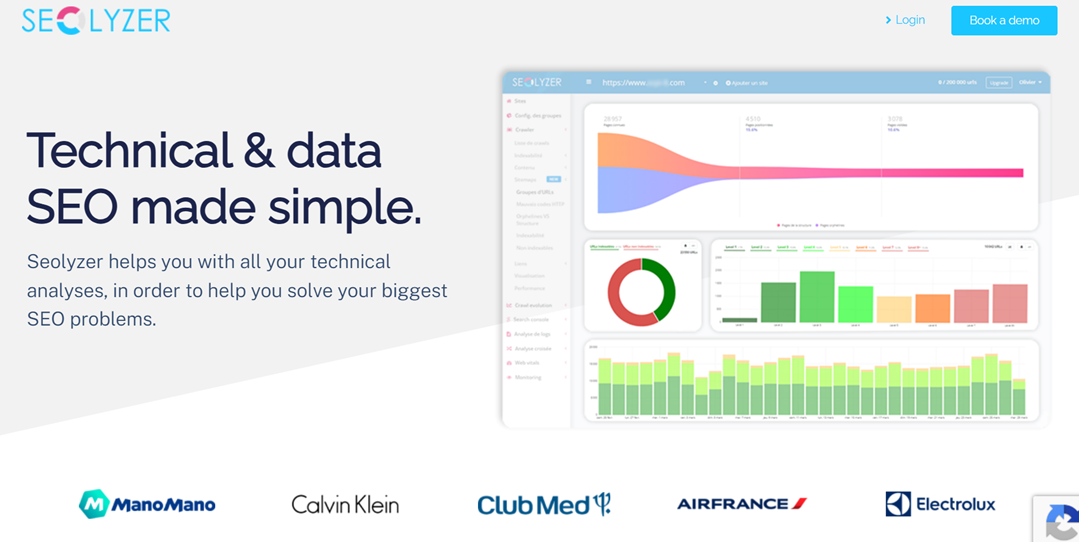
SEOlyzer is a log analysis and SEO crawler tool that can help you understand how search engine bots crawl your website. By analyzing crawl activity, you can identify which URLs search engines are visiting and spot potential problems with crawl behavior.
For multilingual websites, its blind spot is that crawl data does not directly show whether every page has been translated. Instead, you can analyze language-specific URL patterns to see whether search engine bots are reaching your translated pages.
What to check first: Review your crawl data for translated URL patterns and check whether search engine bots are visiting those language-specific pages.
Run these three first
If you want a quick overview of your multilingual coverage, start with:
- Ahrefs Webmaster Tools — Crawl your site to identify broken or poorly linked translated URLs.
- SEO Minion — Check links and page elements on individual translated pages.
- SEOlyzer — Review crawl activity to see whether search engine bots are reaching your translated URLs.
Together, these checks can help reveal potential gaps in translated URL accessibility and crawl coverage, although they do not measure translation quality or provide a complete translation coverage percentage.
Conclusion
Using the right free tools to audit your multilingual website’s SEO health makes it easier to identify technical issues across indexing, crawling, hreflang, page speed, structured data, and translation coverage. You do not need to check everything at once. Start with the areas that matter most to your website, test both your original and translated URLs, and regularly monitor any issues you find.
Once your technical SEO foundation is in place, a multilingual translation solution can help simplify the management of translated URLs, hreflang tags, and multilingual content. If you want to make multilingual SEO management easier, start with Linguise plugin.