Translate your PHP-based website instantly with our automatic, cloud AI translation component
The Linguise multilingual translation script can be used on any website that runs PHP and is really optimized to have a small impact on performance. Traditional multilingual systems store and make multiple database requests to translate all your website elements such as menus, modules, footer…
That is a real problem regarding SEO and user experience. The Linguise multilingual translation has a remote cache system and does not duplicate any content of your local database! This is as fast as your PHP CMS default multilingual system (if any) and there are many other optimizations.

The Linguise automatic translation system is straightforward to setup on any website builder or CMS. You just need to upload the script, add your API key, make a visual setup, and it’s done! The translation script can also be connected to a database (as an option).
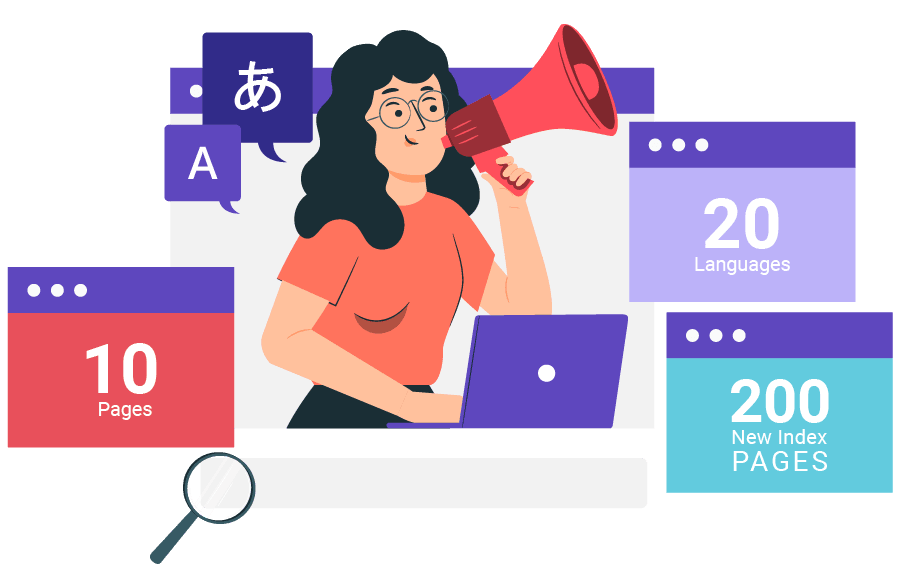
SEO optimized content is king – you need quality and quantity! This is where our PHP and JS translation script comes. When creating, for instance, 10 new pages multiplied by 20 languages, your new content will finally become 200 new indexed pages. All pages are instantly updated in all languages and are fully indexed as we generate page translated URLs, alternate links and have the AMP compatibility.
Important SEO feature are, of course, covered like meta translation or alternate URLs. Linguise is also compatible with SEO tools and all 3rd party dynamic script such as forum, image galleries…
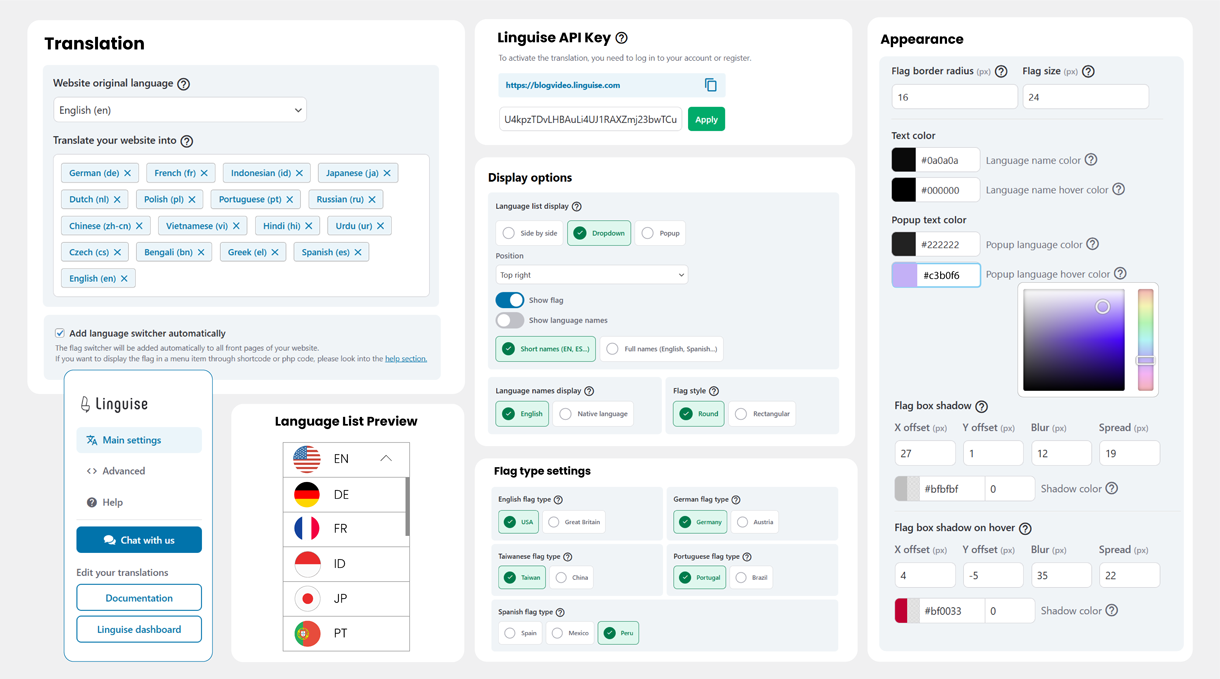
Once your website translation is activated, you’ll need to display a language switcher with flags and language names. Our PHP and JS automatic translation script offers various integration designs. Depending on your language requirements, the front-end language switcher can be displayed as a pop-up, drop-down, or as a side-by-side.
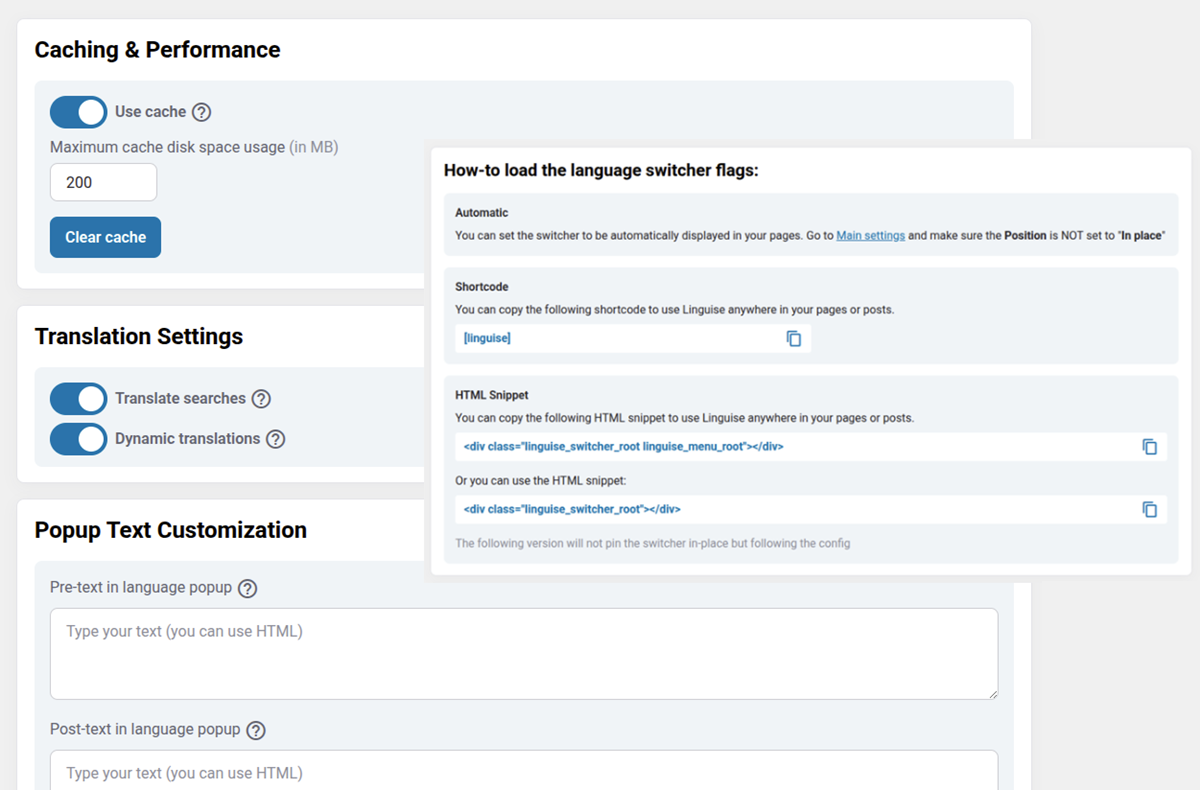
But also very advanced features for a better website integration

PHP based eCommerce websites usually have several products and require frequent content updates. This means that when a product is updated, 20 multilingual pages are also updated instantly. A high frequency of content updates is especially important for SEO. Linguise’s cloud AI translation script is tested with all major PHP CMS like OpenCart, PrestaShop, Magento…
Linguise enhances its PHP and JS automatic translation capabilities with the launch of Linguise AI Translation—a powerful new solution powered by advanced AI LLMs (Large Language Models) optimized for high-quality translations.
This innovation gives PHP and JS website owners, developers, and web agencies access to an even higher tier of translation quality for sites where accuracy is critical. Linguise AI Translation integrates seamlessly with the existing Google Cloud AI translation in the PHP and JS script, offering you more flexibility and precision for multilingual PHP and JS projects.
When it comes to online translations, there are many elements to translate such as the page blocks, headers, menus and footer. Linguise’s Machine Automatic translation handles all these elements in one action, which means you don’t need to open them one by one in your CMS admin.
Furthermore, if you are already using another translation system, let’s say for one language, you can add Linguise over it temporarily without any conflict.
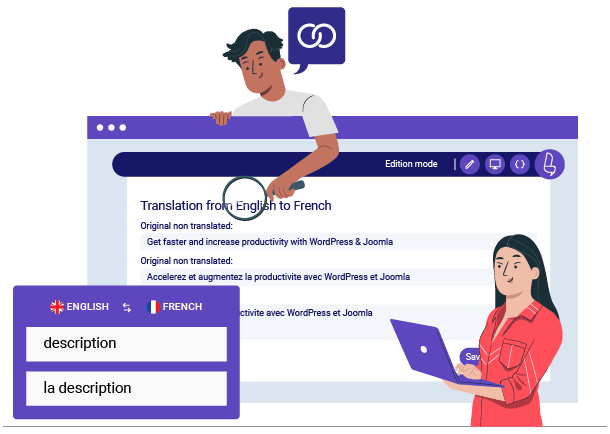
The automatic cloud AI translations can be supplemented by manual revisions. It is said that to get a pixel-perfect translation, a professional translator should check between 10% & 20% of your content. Linguise makes it easy with advanced global translation exclusions and replacement rules and with an amazing front-end translation tool.
The Linguise cloud AI translation can be used with a large amount of content and many languages. We have a membership plan that offers unlimited translations for all your website pages in all languages, and because we have a large volume of usage, it’s the most affordable on the market.

Easily translate your PHP-based website with our automated, cloud-based AI translation tool. Linguise provides a user-friendly solution to simplify the management of your multilingual website. Our translation tools are designed to provide dynamic content translation such as AJAX. This ensures seamless and real-time updates for multilingual website to enhance user experience.
Installation is simple and requires uploading a dedicated PHP script to your server’s root directory. After generating an API key from your Linguise dashboard, you configure the script to connect with your application. This setup allows Linguise to intercept and translate your content on the fly without complex code changes or database migrations.
Yes, Linguise is designed to handle dynamic content rendered by JavaScript, including frameworks like React, Vue.js, or Angular. The system automatically detects new DOM elements as they load and applies translations instantly. This ensures a seamless experience for Single Page Applications (SPAs) and dynamic widgets.
Absolutely. The PHP script handles server-side translation delivery, which is critical for SEO. It automatically generates dedicated URLs for each language (e.g., es.yoursite.com or yoursite.com/es), creates a multilingual XML sitemap, and adds hreflang tags. This ensures search engines like Google can properly crawl and index your translated pages.
No, the impact is negligible. Linguise uses a remote caching system that serves translations from a global CDN, bypassing your local database entirely. This design ensures that your original server load remains low and page response times stay fast, matching the speed of your native application.
Yes, the integration offers flexible options for the language switcher. You can use the built-in library to display flags and names as popups, dropdowns, or lists. Alternatively, developers can build a completely custom language selector using the provided JavaScript API to match the specific UI/UX of the application.
Yes, despite being an automated solution, you retain full control. You can use the “Live Editor” to modify translations directly on your website’s front end. Additionally, the Linguise dashboard allows you to apply global rules to replace specific terms or exclude technical strings (like API keys or code snippets) from translation.