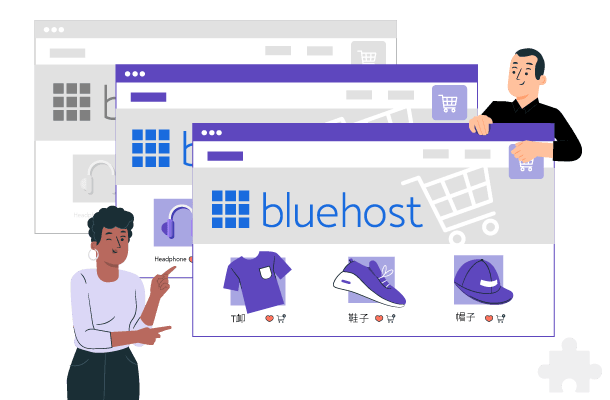
Translate instantly your Bluehost website and shop store using our Cloud AI automatic translation
Beyond website translation, we manage your multilingual website’s SEO. Our system ensures automatic content updates and indexing. With over 85+ languages, every page receives instant updates, unique URLs, alternate links, and HTML language tags. This ensures visibility to both search engines and human visitors
A simple fact: adding your content into just 5 additional languages, you can expect around a 40% boost in website traffic on average.
Linguise ensures that any new product page and registration-to-checkout page is automatically detected and translated into all customer languages. This way, visitors enjoy the best experience in their native language, ultimately boosting conversion rates!
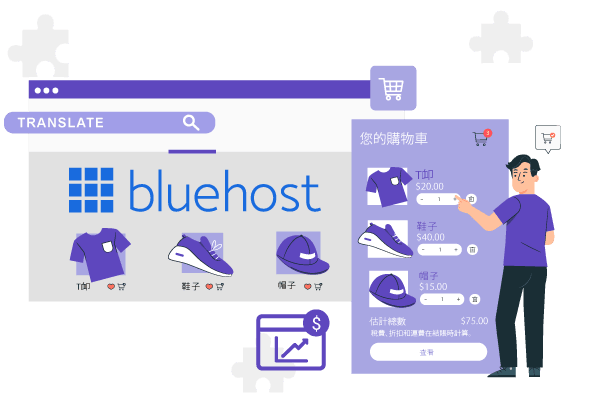
Get perfect translations with Bluehost Cloud AI by Linguise’s automatic translation. Then, have a human translator review it. With our user-friendly Linguise editor, editing any page is just a few clicks away.
Linguise offers an unlimited translation plan for large Bluehost websites. If your Bluehost website store is composed of hundreds, even thousands of pages or products, and you’re targeting let’s say 10 new countries with 10 new languages, your translation volume will also be considerable.
Control your translation cost and gain many new customers with our LARGE and UNLIMITED plan.
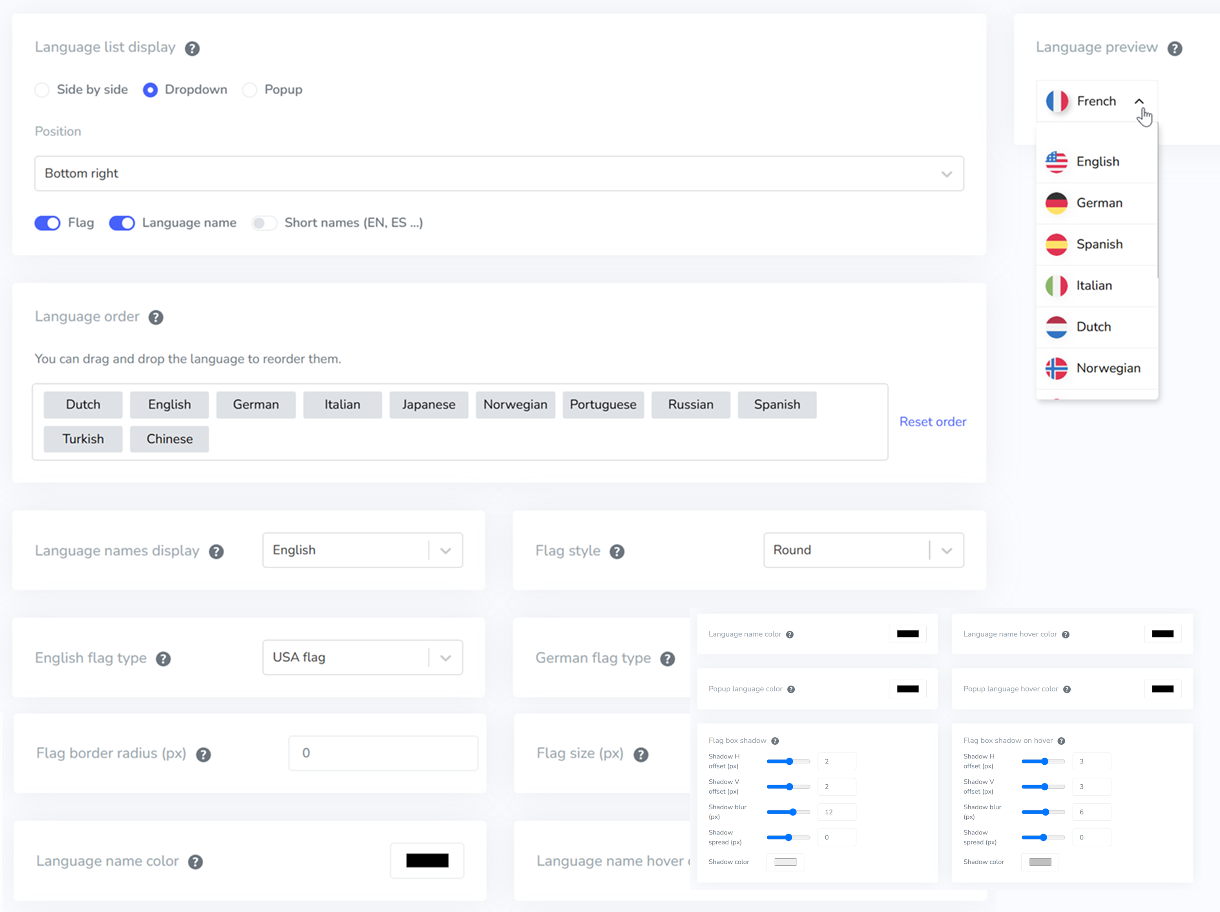
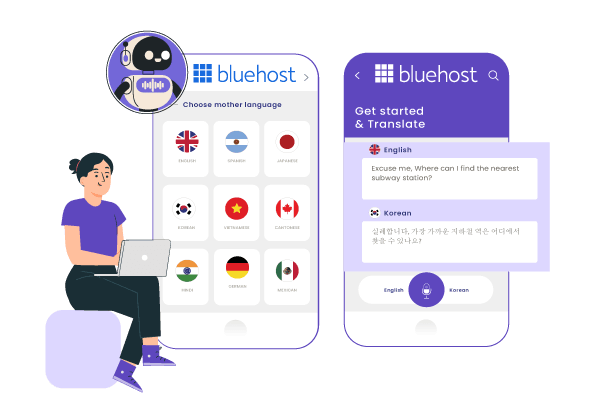
Once Linguise translation is active on Bluehost website, you’ll need to setup a language switcher with flag and language names. Our Bluehost language switcher configuration offers many design possibilities. It can be displayed as a pop-up, drop-down, or as a side-by-side, in any position on your pages. Setup is made from your Linguise account dashboard and synchronized on your website public side.
Linguise’s technology is trusted by a thousand sites worldwide. We offer unbeatable translation quality, features and optimize websites for search engines.

Linguise enhances its Bluehost automatic translation capabilities with the launch of Linguise AI Translation—a powerful new solution powered by advanced AI LLMs (Large Language Models) optimized for high-quality translations.
This innovation gives Bluehost website owners, developers, and web agencies access to an even higher tier of translation quality for sites where accuracy is critical. Linguise AI Translation integrates seamlessly with the existing Google Cloud AI translation in the Bluehost plugin, offering you more flexibility and precision for multilingual Bluehost projects.
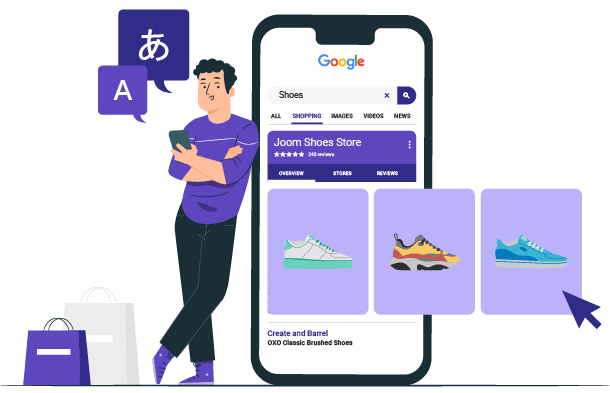
Link your Bluehost website builder data feed with Google Shopping to broaden your reach. Expand your eCommerce reach by automatically translating all product information for various countries. Linguise takes care of this all for you!
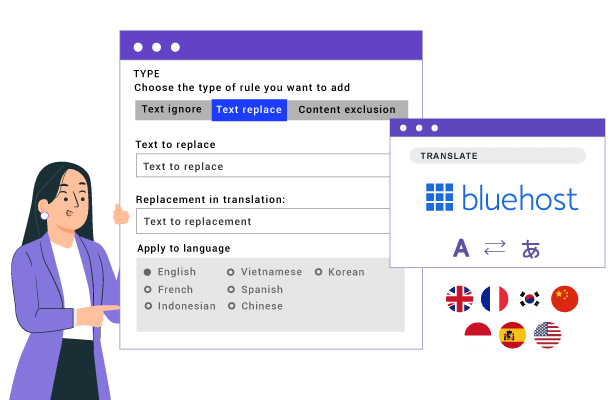
Linguise has an advanced translation rule system that can edit all translated content on your Bluehost website. Rules allow you to replace text, and exclude translations by language, URLs, HTML tags, and more.
Easily set up your multilingual website on Bluehost without any hassle. Linguise allows you to quickly translate 100% of your website content using dynamic translation, AJAX, which ensures that all pages are translated seamlessly without affecting website performance. It includes key pages such as the home page, registration and checkout without reloading the page.
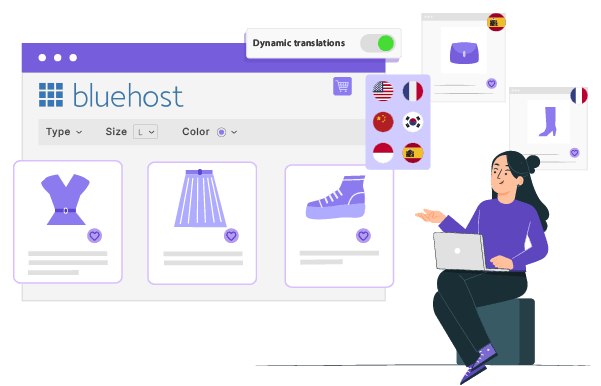
Get your Bluehost website translated in 10 minutes with our high-quality neural translation tool – we will do this for you, free of charge!
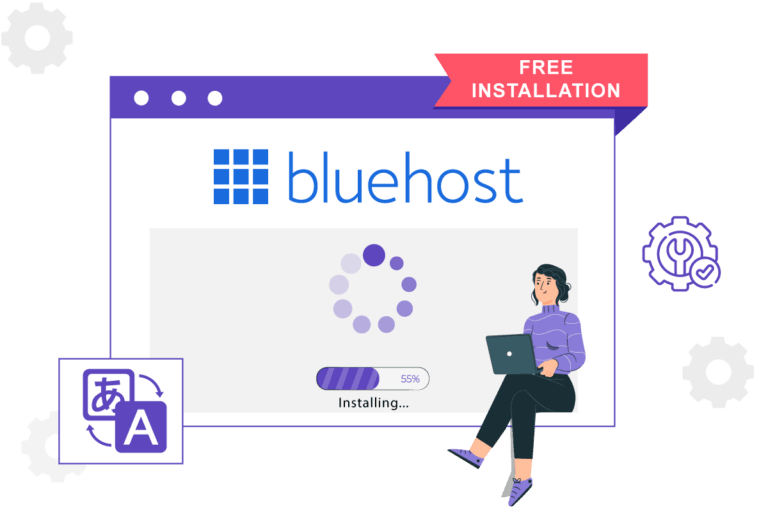
Installation takes just a few minutes. First, register your domain in the Linguise dashboard. Second, configure your language subdomains (e.g., es.yoursite.com) using the Entri tool, which automatically connects to your domain provider and adds the necessary DNS records in a few clicks. Finally, go to your Bluehost website editor, click on Settings > HTML injection, and paste your Linguise JavaScript snippet into the head section to activate the language switcher.
Yes, Linguise is fully optimized for international SEO. It creates dedicated, indexable language subdomains and automatically translates your metadata, including page titles and descriptions. The system also generates multilingual XML sitemaps and adds hreflang alternate tags to your HTML headers. Translating your content into just 5 additional languages can deliver an average 40% boost in organic traffic by multiplying your indexed pages across global search engines.
Absolutely. Linguise translates 100% of your Bluehost website, including complex e-commerce elements like product catalogs, registration forms, and the checkout process. It uses AJAX-powered dynamic translation, meaning that product filters, pop-ups, and cart updates are translated instantly in real time without requiring a page refresh, ensuring a seamless shopping experience for your international customers.
Yes, Linguise directly integrates with Google Merchant Center and automatically translates your Bluehost product data feeds for international markets. This allows your products to appear in local languages across Google Shopping campaigns without the need for you to manually manage or maintain separate product catalogs for each language.
Yes, you have complete control over your translated content. You can use the “Live Editor” to click on any text directly on your public Bluehost website and edit the translation instantly. Additionally, the Linguise dashboard features advanced translation rules that allow you to automatically replace specific terminology or exclude brand names, URLs, and HTML tags from being translated across your entire site.
Pricing starts at $15 per month (or $165 per year) for up to 200,000 translated words. All subscription tiers include unlimited languages, unlimited translated page views, and access to premium Cloud AI translation. For extensive Bluehost e-commerce stores with hundreds of products, Linguise also offers a Large and Unlimited plan. You can start with a one-month free trial with no credit card required to test the integration.