





ExpressionEngine CMS multilingual with Linguise automatic translation
Translate your ExpressionEngine websites instantly with Linguise automatic, cloud AI translation service
Translate 100% of ExpressionEngine CMS content
When it comes to online translations, there are many elements to translate, such as the ExpressionEngine CMS plugins or 3rd party content. Linguise’s automatic translation handles all these elements in one action, translating directly the frontend HTML content, which means you don’t need to open them one by one in your CMS admin.
Furthermore, if you are already using another translation system, let’s say for one language, you can add Linguise over it temporarily without any conflict.
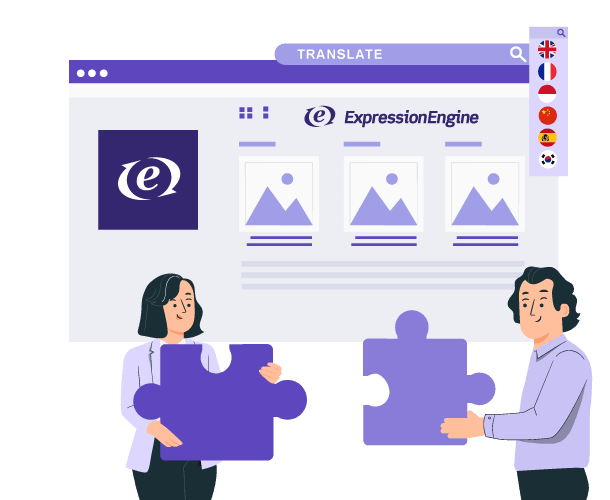
How to translate an ExpressionEngine CMS website automatically with our script
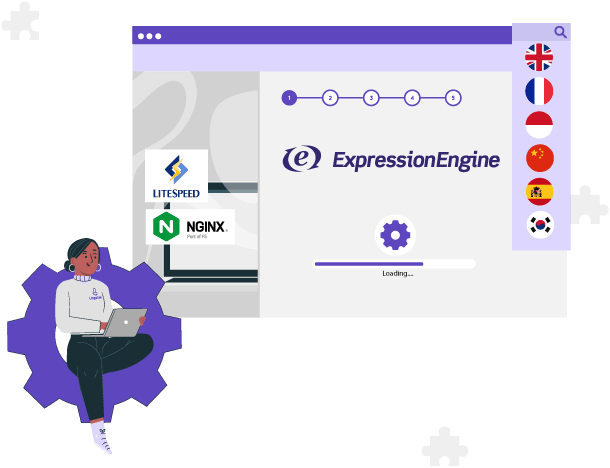
Easy to install, works on ExpressionEngine CMS + Apache, LiteSpeed, NginX, IIS
The Linguise automated translation system is easy to set up and doesn’t require any modifications to your ExpressionEngine CMS. You simply need to upload the script and visually select the translation features you need to activate and the language settings. This process is quick, taking only a few minutes, and allows for your website to be fully translated into multiple languages.
Smooth translation for ExpressionEngine CMS content
Linguise uses advanced translation technology like AJAX to translate ExpressionEngine CMS real-time, without needing to refresh the page. This allows your customers to browse your site seamlessly, even as you update product information. Dynamic translation ensures a great customer experience no matter what language you use.
Cloud AI translation or Linguise AI model for ExpressionEngine
Linguise enhances its ExpressionEngine automatic translation capabilities with the launch of Linguise AI Translation—a powerful new solution powered by advanced AI LLMs (Large Language Models) optimized for high-quality translations.
This innovation gives ExpressionEngine website owners, developers, and web agencies access to an even higher tier of translation quality for sites where accuracy is critical. Linguise AI Translation integrates seamlessly with the existing Google Cloud AI translation in the ExpressionEngine plugin, offering you more flexibility and precision for multilingual ExpressionEngine projects.
Are you ready to rock your ExpressionEngine SEO?
Say goodbye to manually creating and updating content in multiple languages. With Linguise, you can effortlessly translate your ExpressionEngine website’s pages including menus, content widgets, footers, and more, into over 85 languages. These result in indexed pages, each instantly updated with translated URLs and alternate links.
Our SEO-focused system ensures your multilingual content ranks well on search engines, and SEO elements like meta translation & alternate URLs are handled. Moreover, Linguise integrates with all third-party dynamic scripts, including forums, image galleries, and more.
A flexible language switcher with visual configuration
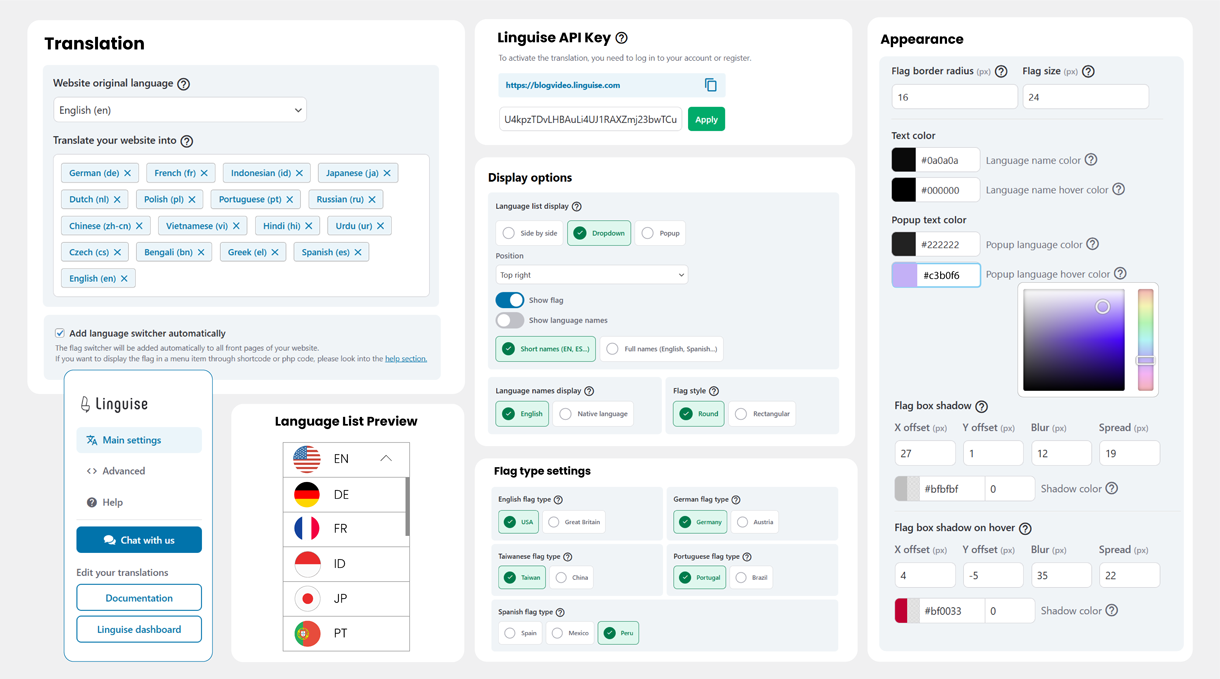
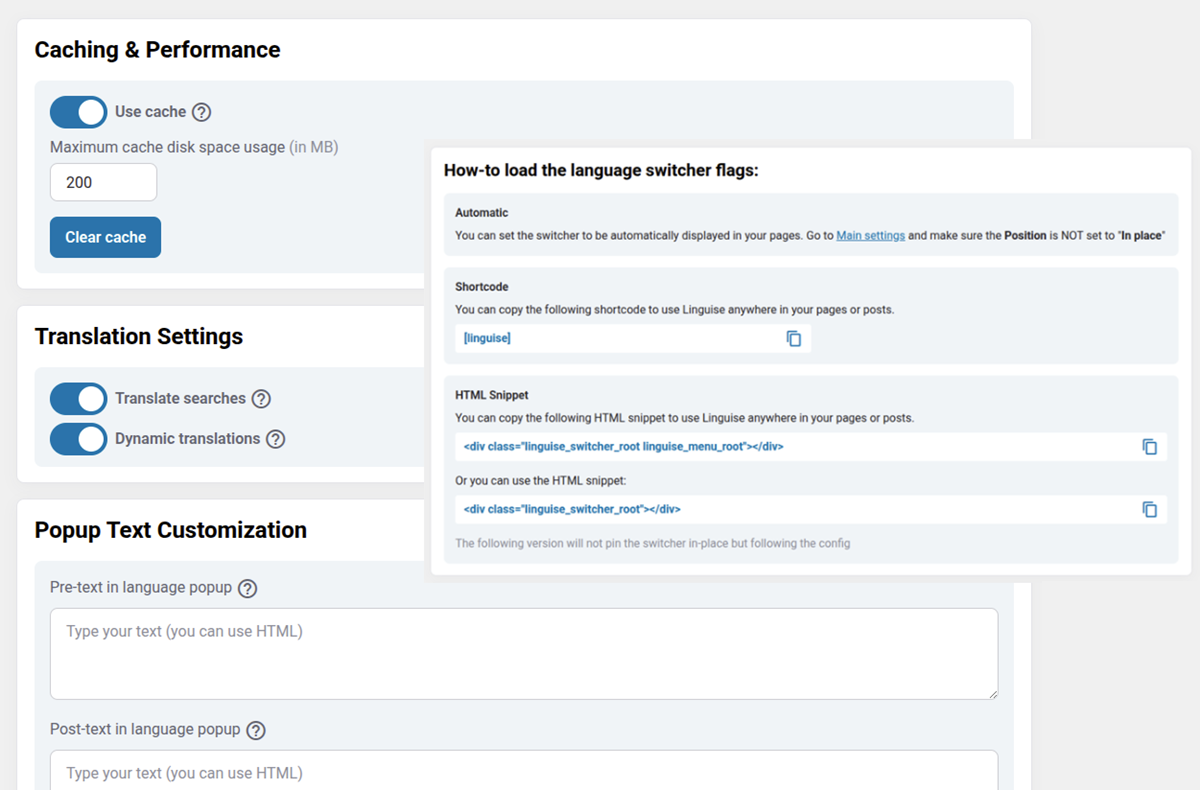
Once your website translation is activated, you’ll need to display a language switcher with flags and language names. Our PHP and JS automatic translation script offers various integration designs. Depending on your language requirements, the front-end language switcher can be displayed as a pop-up, drop-down, or as a side-by-side.
But also very advanced features for a better website integration
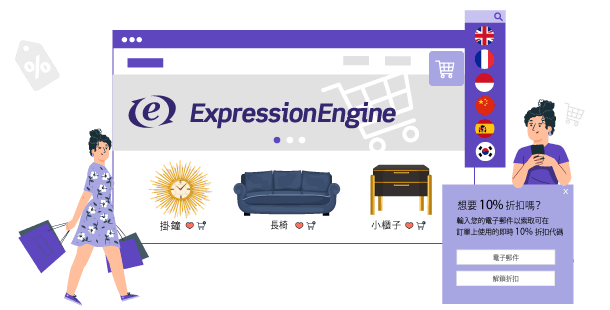
ExpressionEngine CMS eCommerce plugin translation
Our ExpressionEngine CMS translation supports over 85 languages. With Linguise, you can easily maintain up-to-date product content in multiple languages, without manual translation.
Ensuring translated product pages are always synchronized, resulting in improved search engine optimization (SEO) and enhanced user experience. Say goodbye to manual translation and hello to a seamless multilingual experience!
Light and fast translation add-on for ExpressionEngine
Linguise offers a translation script optimized for efficiency, ensuring a seamless multilingual experience for users without sacrificing performance.
Unlike traditional systems, Linguise doesn’t duplicate website content in multiple languages, saving you from unnecessary data clutter in local databases. Our remote cache system reduces server load, leading to quicker page load times.
This is as fast as your PHP CMS default multilingual system (if any) and many other optimizations.
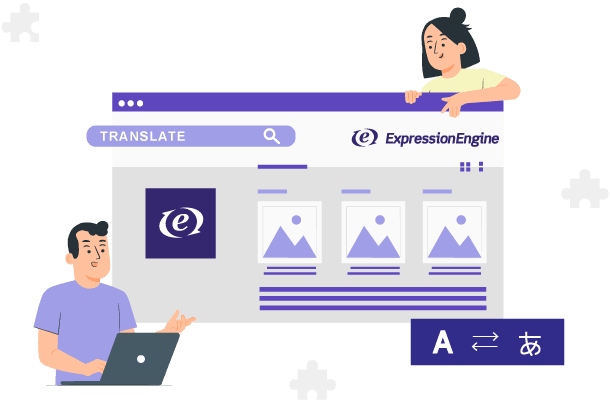
Editable by human translators from ExpressionEngine CMS frontend
Linguise uses advanced neural machine translation to automatically translate content. However, a human touch is still important for perfecting the results. Experts suggest having a professional translator review 10% of the translated content to ensure maximum accuracy.
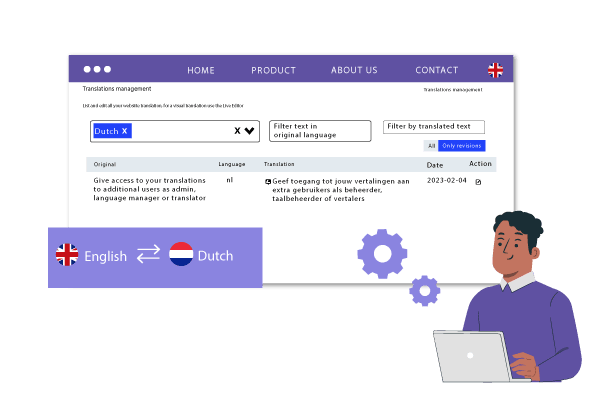
Linguise makes this review process easy. It has built-in features like translation exclusion and replacement rules that let you refine translations globally. The user-friendly editor on the front-end also makes on-site edits simple. You can select any text and edit it with a click.
By combining Linguise’s AI translations with targeted professional reviews, you can achieve natural, nuanced translations.
Large ExpressionEngine CMS website translations, with no limits
The automatic translation for ExpressionEngine CMS can be used with a large amount of content and many languages. We have a membership plan that offers unlimited translations for all your ExpressionEngine pages in all languages, and because we have a large volume of usage, it’s the most affordable on the market.
Other features of the ExpressionEngine CMS automatic translation management system
AMP ExpressionEngine multilingual pages
Content search engine in ExpressionEngine
Fast pages loading time ExpressionEngine
ExpressionEngine XML sitemap translation
Inline content translation
FAQ about the ExpressionEngine translation integration
To install Linguise, you generate an API key in the Linguise dashboard, upload the “linguise” folder to the root of your ExpressionEngine site, and paste the key into the uploaded Configuration.php file. Then you add the provided URL-rewrite rule in your .htaccess so language URLs like /fr/ work, and you load the Linguise JavaScript in your ExpressionEngine layout (Templates → Layouts → _html-wrapper) to display the language switcher.
Linguise’s ExpressionEngine setup requires PHP 7+, ExpressionEngine 6+, and an Apache/IIS/NGINX server with URL rewriting enabled. This integration uses a PHP script approach (not an ExpressionEngine add-on that modifies your CMS), so it doesn’t require changes to ExpressionEngine core files.
Yes—Linguise translates the front-end HTML output in one action, which means it can translate menus, content widgets, footers, and content coming from plugins or third-party elements. Because it translates what’s rendered on the page, you don’t need to open and translate each element one by one in the ExpressionEngine admin.
Yes—Linguise supports real-time translation using AJAX so visitors can browse translated content without needing to refresh the page. This is intended to keep the experience smooth even when your site content updates dynamically.
Linguise is built to create indexable multilingual pages with translated URLs and “alternate links,” and it also handles SEO elements like meta translation and alternate URLs. The ExpressionEngine documentation also notes that the switcher script should be loaded on all pages to output alternate URLs in your HTML headers, and it recommends starting with up to 5 languages first on large sites (500+ indexed pages) to reduce SEO impact while search engines process the new pages.
Yes—Linguise includes front-end editing plus translation exclusion and replacement rules, and it suggests having a professional translator review around 10% of translated content for maximum accuracy. Pricing includes a free first month and is based on translated word volume (Start: 200,000 words; Pro: 600,000 words; Large: unlimited words with fair usage), with unlimited languages and unlimited translated page views in each plan.