Translate your WordPress website instantly using our automatic, cloud AI translation plugin.
Linguise is also fully integrated with WooCommerce!
The Linguise multilingual translation has been used on WordPress since the beginning and is really optimized to have a small impact on performance. Traditional multilingual systems such as WPML are duplicating numerous pages, adding database requests, and server loads to your WordPress website. The result is a slow loading time.
That is a real problem regarding SEO and user experience. The Linguise multilingual translation has a remote cache system and does not duplicate any content of your local database! This is one advantage among many other speed optimizations.

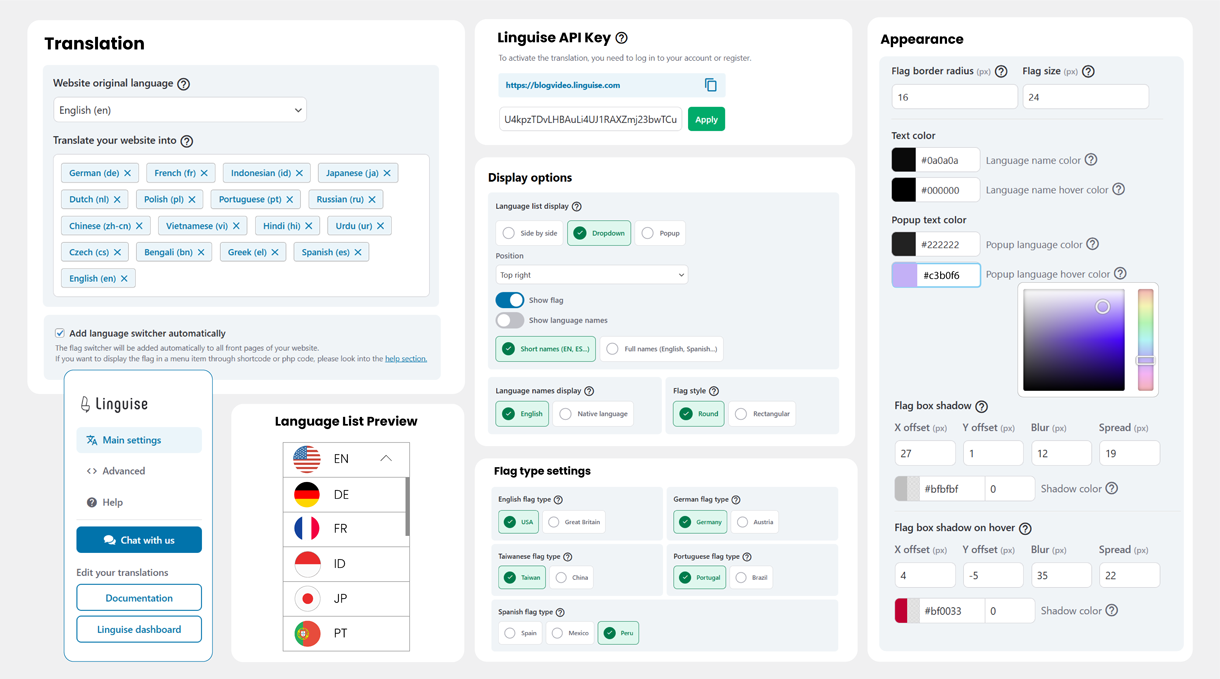
Once your website translation is activated, you’ll need to display a language switcher with flag and language names. Our WordPress plugin offers various integration methods like shortcode, menu or PHP snippet. Depending on your language requirements, the front-end language switcher can be displayed as a pop-up, drop-down, or as a side-by-side.
But also very advanced features for a better WordPress website integration
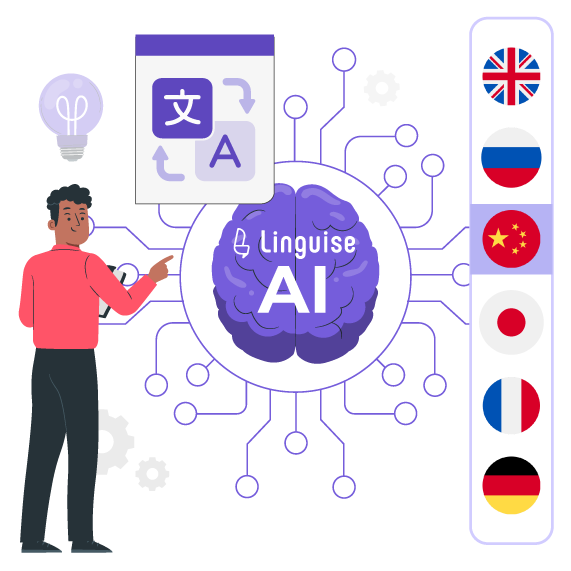
Linguise is enhancing its WordPress automatic translation capabilities with the launch of Linguise AI Translation—a powerful new solution that leverages advanced AI LLMs (large language models) optimized for translations.
This innovation gives WordPress website owners, developers, and web agencies access to an even higher tier of translation quality for sites where accuracy is critical. Linguise AI Translation integrates seamlessly with the existing, high-quality Google Cloud AI translation in the WordPress plugin, offering you more flexibility and precision for multilingual WordPress projects.
Content is king when we’re talking SEO, which means content quality and quantity. This is where our WordPress cloud AI translation comes in: creating, for instance, 10 new pages multiplied by 20 languages, which becomes 200 new indexed pages. The pages are fully indexed because we generate page translated URLs, alternate links, and ensure AMP compatibility.
Linguise is also compatible with SEO plugins such as Yoast or RankMath plugins, pertaining to features such as metadata translation and URL management.
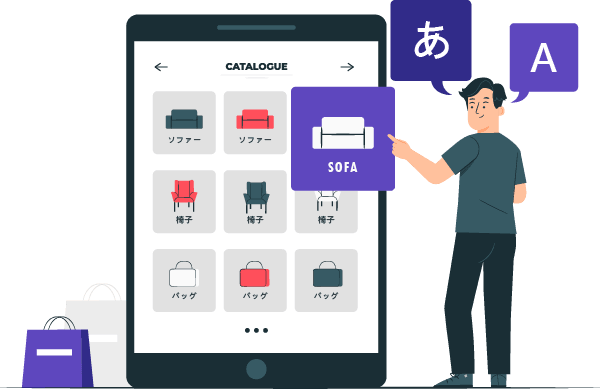
WooCommerce websites tend to have a large number of products and very frequent content updates. So when a product is updated, so are the other 20 multilingual pages, instantly. This is great for SEO optimization to have a high level of content update frequency. Linguise cloud AI translation is fully tested on WooCommerce websites.
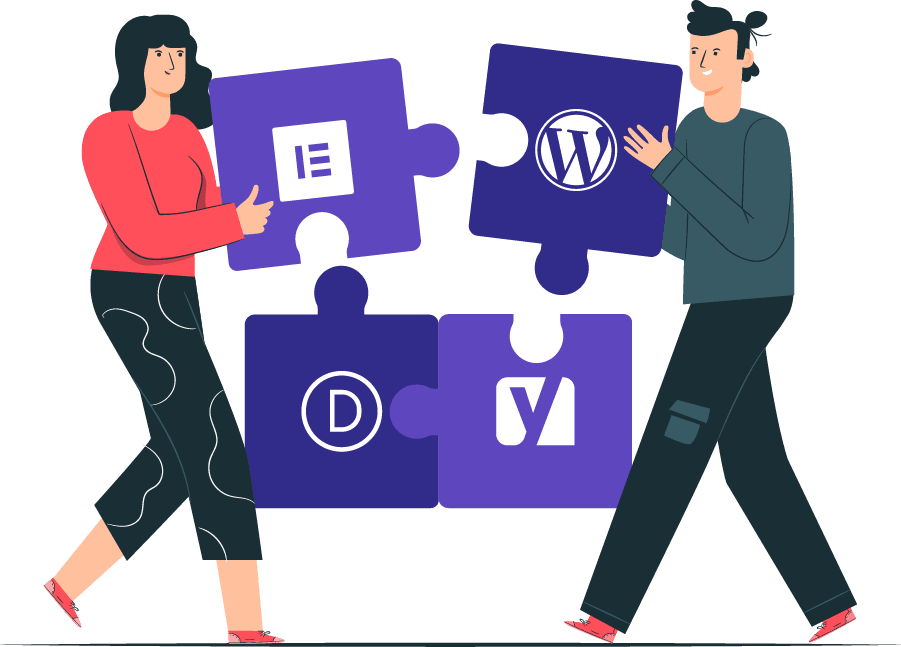
WordPress is a popular platform for themes, page builders like Elementor, DIVI, or even Gutenberg editor. Therefore, there are many elements to translate, such as the page blocks, header, menus and footers. Linguise’s instant translation software translates all these elements in a single action – there is no need for one by one editing!
Furthermore, if you have one translation plugin in place for one language, for instance, you can add Linguise over it temporarily.
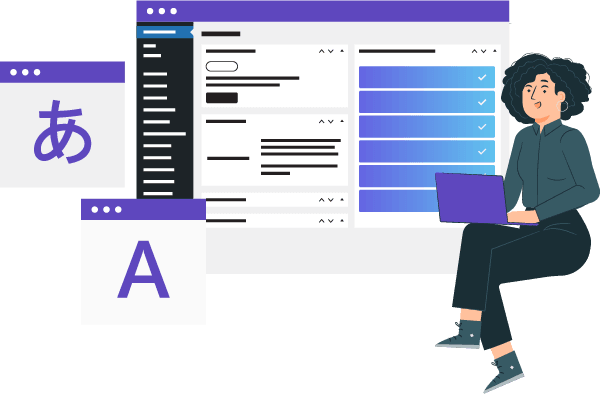
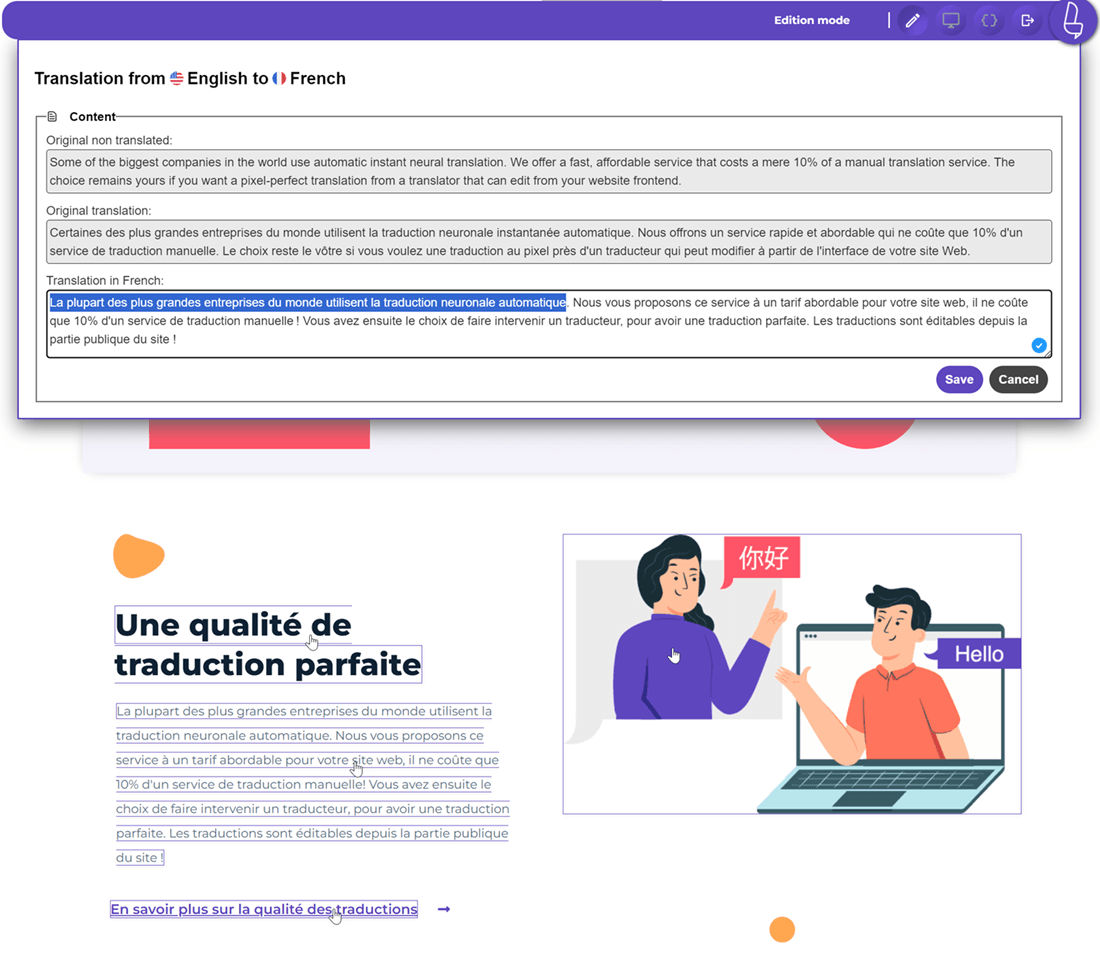
WordPress automatic cloud AI translation is not everything. It is said that to get a pixel-perfect translation, you’ll need to check between 10 & 20% of your content by a professional translator. Linguise makes it easy with advanced global translation exclusion and replacement rules and with a frontend translation tool.
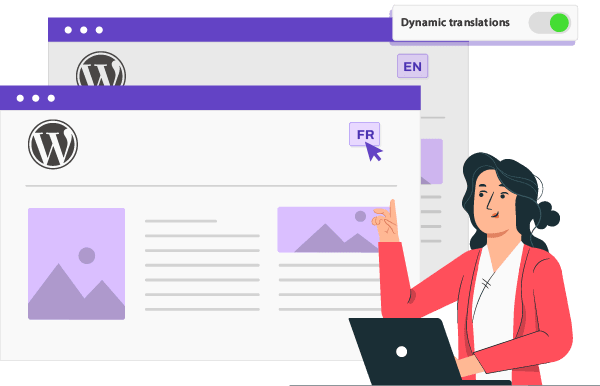
Traditional translation plugins often struggle to keep up with these frequently changing elements. Linguise, however, uses advanced cloud-based AI technology to instantly translate any new or updated content the moment it is published.
Whether you’re running an ecommerce store with frequently updated product information or a blog with a steady stream of new content, the Linguise WordPress plugin will automatically translate it all. This helps you maintain a consistent, high-quality multilingual user experience that search engines can easily index and crawl, boosting your global SEO.
WordPress.com is the auto-hosted version of the open-source WordPress CMS. It offers domain, hosting, themes, security features.
Starting from their business plan, you can use compatible WordPress plugins on your website and guess what? Linguise automatic translation is working like a charm. Translate 100% of your wordpress.com website and edit translations!
No, Linguise is designed to have zero impact on your WordPress performance. Unlike traditional plugins that duplicate content into your local database (bloating it and slowing down queries), Linguise operates as a SaaS (Software as a Service). All translations are stored on a remote cache server and delivered instantly to your visitors. This ensures your website remains lightweight and fast, regardless of how many languages you add.
Yes, the plugin is fully compatible with the entire WordPress ecosystem. It works seamlessly with major page builders like Elementor, Divi, and Gutenberg, allowing you to translate headers, footers, and complex layouts automatically. For WooCommerce stores, Linguise translates everything from product pages to dynamic checkout flows and customer emails, ensuring a consistent multilingual experience for your shoppers.
Absolutely. Linguise is built with a “SEO-first” approach. The plugin automatically generates dedicated URLs for each language (e.g., yourdomain.com/fr/) and creates multilingual XML sitemaps to ensure fast indexing by Google, Bing, and Yandex. It also automatically adds hreflang tags and is compatible with popular SEO plugins like Yoast SEO and RankMath to translate meta titles and descriptions.
Yes, you retain full control over your content. While Linguise uses advanced Neural AI to provide high-quality instant translations, you can manually refine any text using the Live Front-End Editor. This tool allows you to click and edit translations directly on your webpage, seeing the changes in real-time. You can also apply global “Search and Replace” rules or exclude specific terms (like brand names) from being translated.
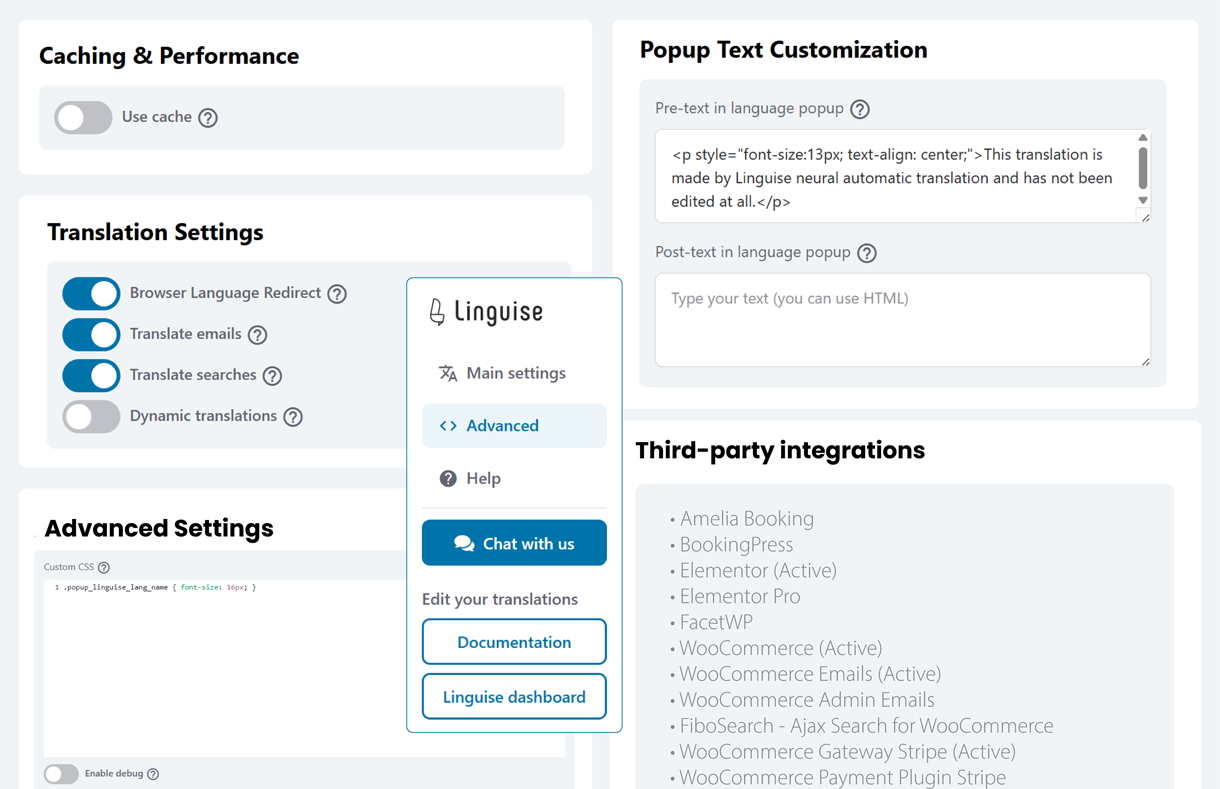
Yes, Linguise handles dynamic content that other plugins often miss. It can translate text generated via JavaScript or AJAX without requiring a page reload. This is particularly important for modern WordPress sites and e-commerce stores that use pop-ups, dynamic filters, or infinite scroll features, ensuring that every part of the user interface is accessible in the visitor’s native language.
You can instantly translate your WordPress website into over 85 languages. There is no limit to the number of languages you can activate. However, for the best SEO results, we recommend starting with the 3-5 most relevant languages for your target market to build authority gradually before expanding further. All languages can be managed from a single, easy-to-use dashboard.