Translate instantly your Adobe Commerce store using our automatic and high-quality translation module
Linguise translation extension is installed on over a thousand websites globally. Provide high quality, automatic translation of over 85+ languages, and minimum editing to save your time.
More information about translation quality >
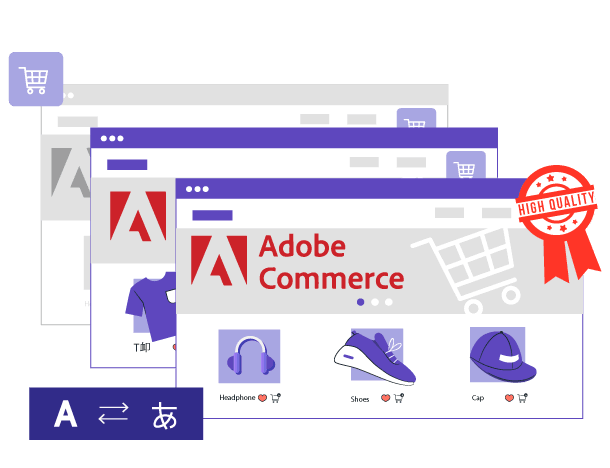

Linguise enhances its Adobe Commerce automatic translation capabilities with the launch of Linguise AI Translation—a powerful new solution powered by advanced AI LLMs (Large Language Models) optimized for high-quality translations. This innovation delivers superior translation accuracy for Adobe Commerce store owners, developers, and web agencies handling eCommerce sites where precision matters most.
Linguise AI Translation integrates seamlessly with the existing Google Cloud AI in the Adobe Commerce extension, providing greater flexibility and enhanced results for multilingual online stores.
Linguse implements search engine best practices to make your Adobe Commerce site stand out, instantly generating multiple sitemap and indexed pages with translated URLs, tags, metadata, and alternate links. What’s even better?
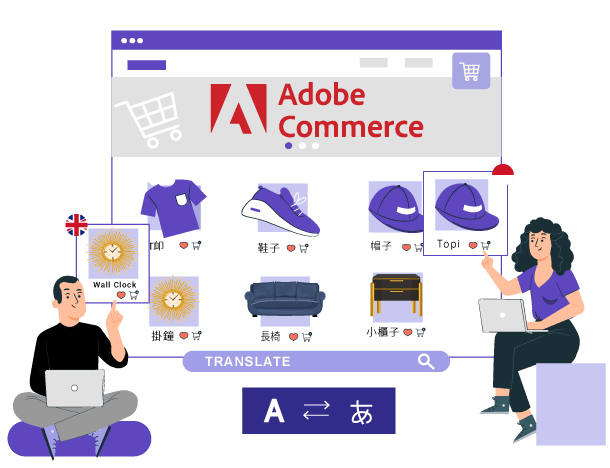
Simplify dashboard and streamlined process designed to translate content across multiple languages. Quickly find and edit translations, or apply translation rules such as ‘replace text’ or ‘ignore text’ to all product listings with just a few clicks.
The Adobe Commerce extension provides various customization options for product pages, category pages, shopping cart views, headers, and footers. Linguise provides 100% translation for all elements, eliminating manual editing one by one.
Furthermore, if you already use Adobe Commerce’s default translation system for a single language, you can integrate Linguise into it.
Adobe Commerce automatic cloud AI translation can be supplemented by additional human translation. To get a perfect translation for your website, a professional translator will need to check between 10% and 20% of your content. Linguise makes it easy with advanced global translation exclusions and replacement rules, as well as with a front-end translation tool.
Linguise uses a unique approach using remote caching to prevent local content duplication. It delivers instantly translated multilingual content without compromising database performance. Offer smoother experiences for users and search engines with the best technology optimizations.
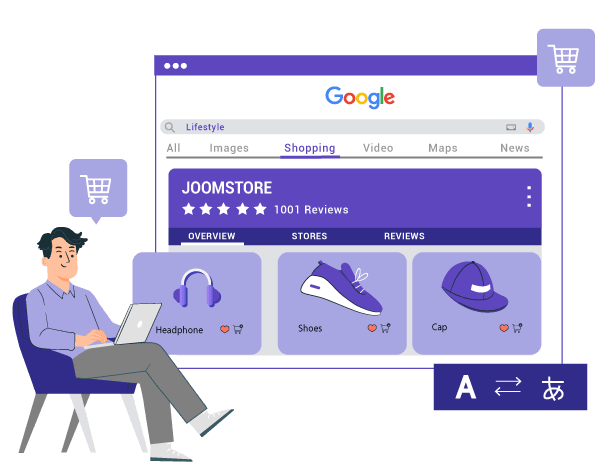
Integrated with the Google product data feed, you don’t need to manually translate all product information to expand your eCommerce reach. Linguise does that for you, automatically!
Creating multiple pieces of marketing content to appeal to different people can be time-consuming and inefficient. This is where dynamic content comes into play in Adobe Commerce.
Linguise offers dynamic feature solutions like AJAX to provide a real-time experience when users browse your website, without requiring page refreshes. This allows your customers to browse seamlessly and have product information continuously updated on your site.

Installation involves a lightweight PHP script integration rather than a heavy module. You simply upload the script to your server, configure your API key, and add the language switcher code to your site’s header via the Adobe Commerce configuration panel. This method ensures high performance and compatibility with all Adobe Commerce versions (2.3, 2.4, and newer)
Yes, Linguise is fully optimized for international SEO. It automatically generates dedicated URLs for each language, creates multilingual XML sitemaps, and adds hreflang tags to your store’s header. This ensures that Google indexes your translated product pages separately, helping you rank in local search markets.
Absolutely. Linguise translates the entire customer journey, including the cart, checkout process, and payment gateways. It handles dynamic content loaded via AJAX, ensuring a seamless localized experience that reduces cart abandonment rates for international customers.
Yes, Linguise is designed to be compatible with any Adobe Commerce theme and third-party extensions. Since it translates the rendered HTML output, it works independently of your site’s backend structure, handling content from page builders, mega menus, and custom widgets without requiring specific compatibility patches.
You can easily modify translations using the “Live Editor” tool. This allows you to navigate your store’s front end, click on any text element, and edit the translation instantly. You can also use the dashboard to set global rules, such as excluding brand names or specific product codes from translation across your entire catalog.
Pricing is based on the volume of translated words, starting at $15 per month (or $165/year) for up to 200,000 words. All plans include unlimited languages, unlimited page views, and access to Neural Machine Translation. A one-month free trial is available to test the full capabilities on your production or staging environment.
How to get started?
Register your domain here or ask for a free installation:
Follow the related documentation to activate the translation